


Today, we have another challenge called Takeover.
In this room, we’ll start solving the challenge step by step while learning new techniques along the way, as usual.
The goal is not just to finish the room, but to understand the mindset and methods behind each step

First, we add the hostname futurevera.thm to our DNS file using the target machine’s IP address.
This step is required to access the website correctly
sudo nano /etc/hostsPress enter or click to view image in full size
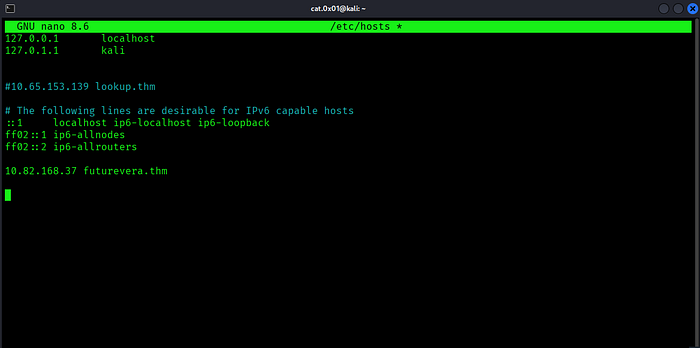
After adding it to our DNS, we proceed to visit the website.
Press enter or click to view image in full size
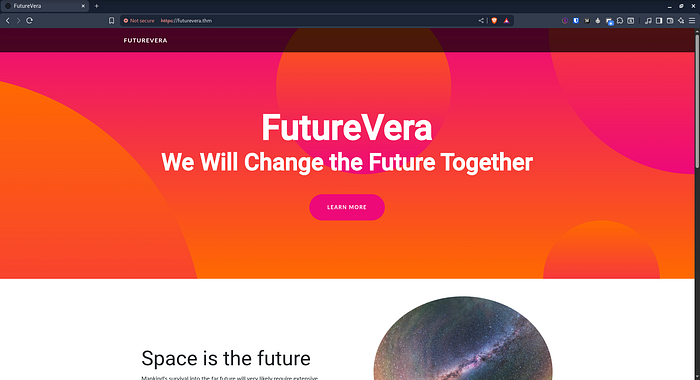
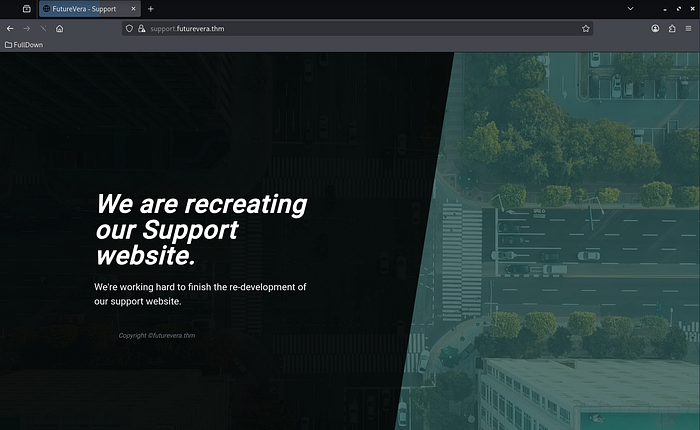
The challenge mentions that the support section is still under construction.
Because this room focuses on subdomain takeover, this is likely a hint that we should start fuzzing for subdomains and checking DNS records.
┌──(cat.0x01㉿kali)-[~]└─$ ffuf -H "Host: FUZZ.futurevera.thm" -u https://10.82.168.37 -w /usr/share/seclists/Discovery/DNS/subdomains-top1million-110000.txt -fs 0,4605Press enter or click to view image in full size
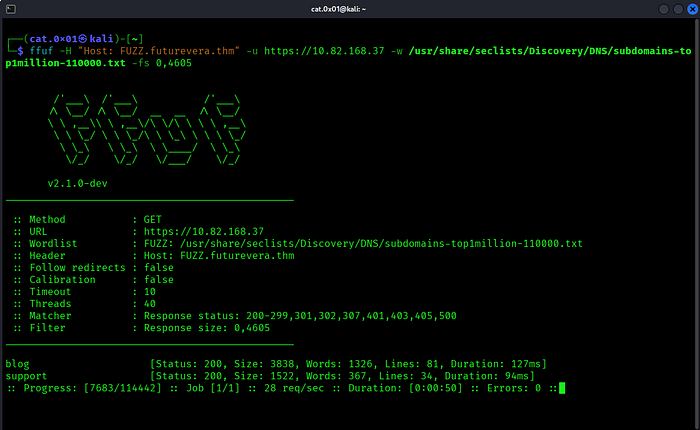
We found two subdomains, blog and support, and added them to our `/etc/hosts file
Press enter or click to view image in full size
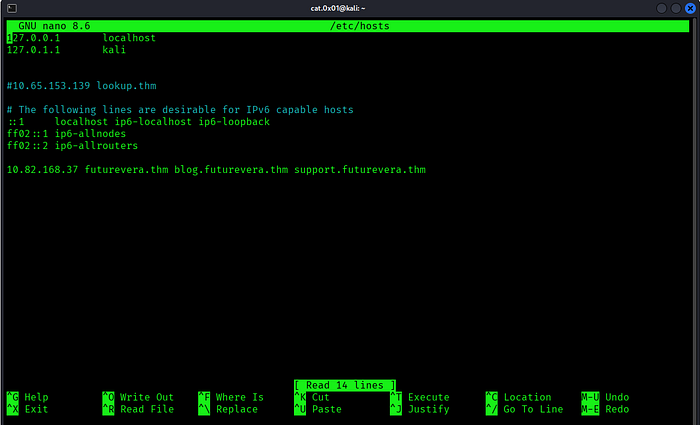
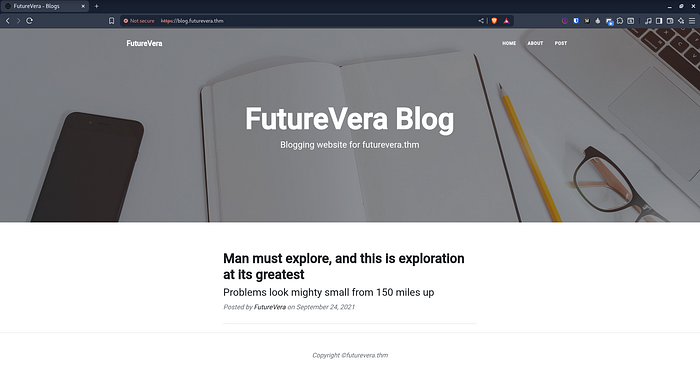
Next, let’s browse these subdomains and see how they behave
blog.futurevera.thm
Press enter or click to view image in full size
support.futurevera.thm
Press enter or click to view image in full size
After accessing the website over HTTP, we remove the certificate exception so the browser prompts us to accept it again.
Press enter or click to view image in full size
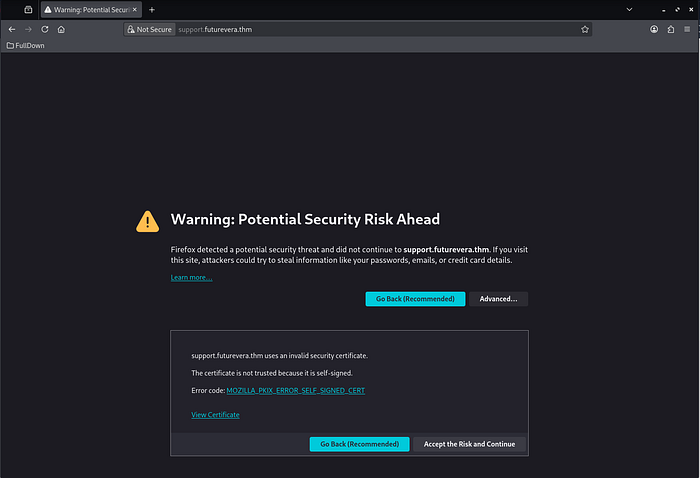
Next, we click on “View Certificate”.
Press enter or click to view image in full size
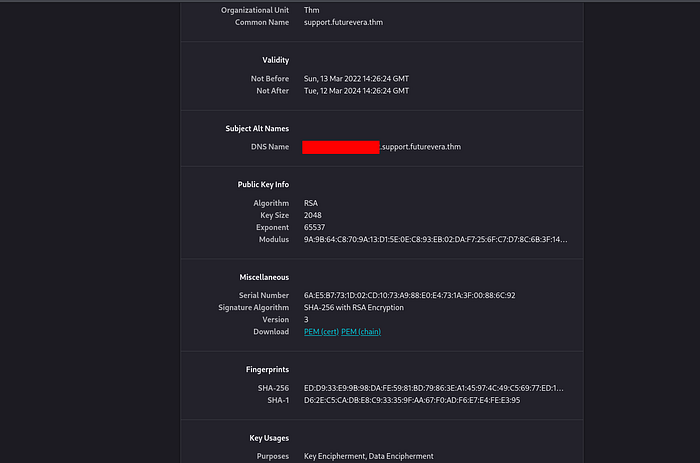
Inside the certificate, we found a support-related subdomain : support.futurevera.thm
After discovering it, we add the subdomain to our DNS configuration so we can access it properly
Press enter or click to view image in full size
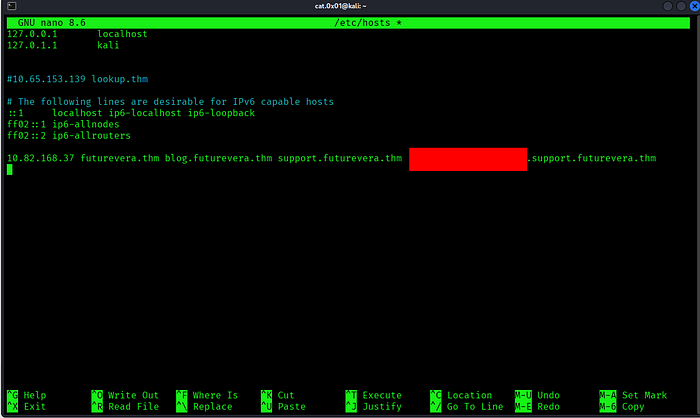
Let’s open it and see how it responds.
Press enter or click to view image in full size
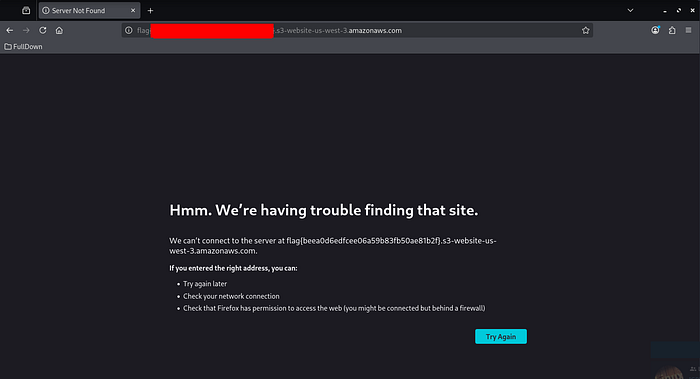
And just like that, we got the flag
I hope you found this challenge enjoyable and informative.
See you in the next TryHackMe room
X : https://x.com/cat0x01
github : http://github.com/cat0x01